---
title: "JGCat - WebTolk websites development, Joomla Extensions"
description: "Joomla content plugin that allows you to insert categories of JoomGallery images with a description, image and backlink wherever needed."
url: "https://web-tolk.ru/en/dev/joomla-plugins/jgcat-joomgallery-content-plugin"
date: "2026-06-05T04:29:36+00:00"
language: "en-GB"
---
---
# JGCat
- **Category:** [Joomla plugins](https://web-tolk.ru/en/dev/joomla-plugins)
- **Version:** 1.0.0
- **Date:** 04 November 2019
6566 10381 CTR 63% Plg Free
[Download](https://web-tolk.ru/en/get?element=plg_jgcat)[Versions](https://web-tolk.ru/en/dev/joomla-plugins/jgcat-joomgallery-content-plugin/versions)[GitHub](https://github.com/sergeytolkachyov/plg_jgcat)
Joomla content plugin that allows you to insert categories of JoomGallery images with a description, image and backlink wherever needed.

## Description
Joomla content plugin that allows you to insert categories of JoomGallery images with a description, image and backlink wherever needed.
### Features
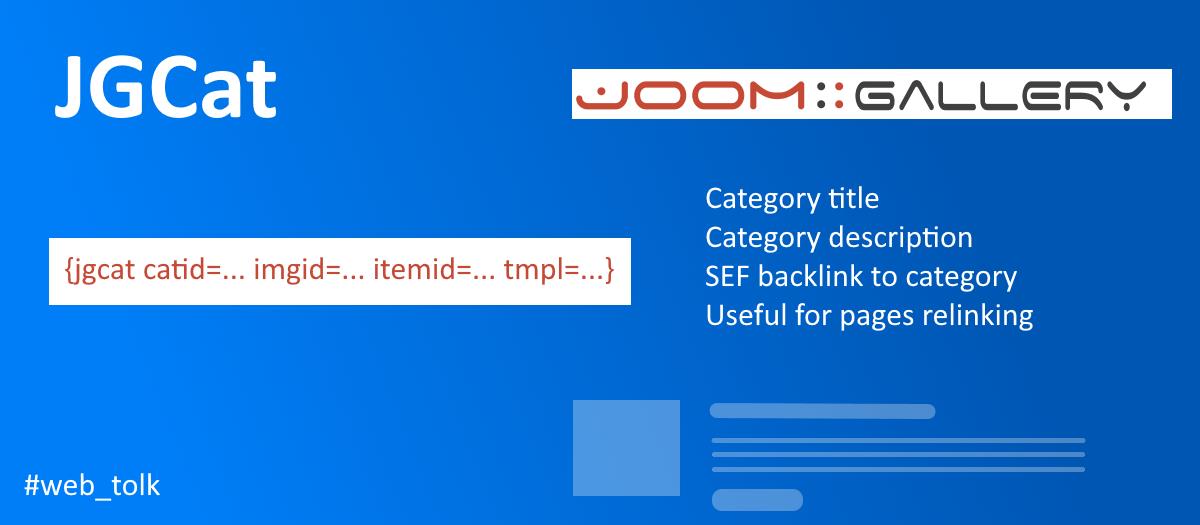
- Inserts the category heading, description, sef-link, one image from the category into the article.
- Ability to specify itemid menu item for correct sef links
- Ability to use a fragment of the JoomGallery category description.
- Ability to create your own plugin output templates.
[Usage example (ru)](https://web-tolk.ru/en/dev/joomla-plugins/blog/kak-ispolzovat-plagin-jgcat-dlya-perelinkovki-s-joomgallery.html)
Insert a line into the material
`{jgcat catid=... imgid=... itemid=... tmpl=...}`
catidid of the JoomGallery category. **Required.**itemidId of the JoomGallery component menu item. **Optional parameter**. If you have **only one** menu item for JoomGallery, then itemid is not necessary. If there are several menu items, then you need to specify itemid in the shortcode of the plugin in order to get the correct SEF link.imgidid of JoomGallery image. **Optional parameter.** This can be the id of any image, not only from the displayed category.
- If imgid is not specified, then a thumbnail from the category settings is displayed.
- If the thumbnail is not specified in the category settings, then the thumbnail of the first image of the category is displayed.tmpl**Optional parameter.** Output template.
The templates are located in the plugins folder `plugins/content/jgcat/tmpl/`
**Available Templates**
- default - for self-decoration through CSS
- Bootstrap 4
- You can create your own template and place it in the folder with the rest of the templates.Link text 'Details'It changes either in the `administrator/languages/en-GB/en-GB.plg_content_jgcat.ini` language files, or through the redefinition of Joomla language constants. Language constant `PLG_JGCAT_TMPL_VIEW_MORE_TEXT`
#### Pay attantion
A plugin can take from the category description not all the text, but enclosed in specific tags `
`, ``, ` `, `
`.
## Joomla
**Extension type:** Plugin **Folder:** Content **Joomla version:** 3.9
## Gallery

## What's new
2019-11-04 11:18:00
### Version 1.0
First plugin version.
## JSON-LD Schema
```json
{
"@context": "https://schema.org",
"@type": "BreadcrumbList",
"@id": "https://web-tolk.ru/#/schema/BreadcrumbList/17",
"itemListElement": [
{
"@type": "ListItem",
"position": 1,
"item": {
"@id": "https://web-tolk.ru/en",
"name": "Home"
}
},
{
"@type": "ListItem",
"position": 2,
"item": {
"@id": "https://web-tolk.ru/en/dev",
"name": "Joomla extensions"
}
},
{
"@type": "ListItem",
"position": 3,
"item": {
"@id": "/en/dev/joomla-plugins",
"name": "Joomla plugins"
}
},
{
"@type": "ListItem",
"position": 4,
"item": {
"name": "JGCat"
}
}
]
}
```
```json
{
"@context": "https://schema.org",
"@graph": [
{
"@type": "Organization",
"@id": "https://web-tolk.ru/#/schema/Organization/base",
"name": "WebTolk",
"url": "https://web-tolk.ru/",
"logo": {
"@type": "ImageObject",
"@id": "https://web-tolk.ru/#/schema/ImageObject/logo",
"url": "images/webtolk-1080p.jpg",
"contentUrl": "images/webtolk-1080p.jpg",
"width": 1920,
"height": 1080
},
"image": {
"@id": "https://web-tolk.ru/#/schema/ImageObject/logo"
},
"sameAs": [
"https://github.com/WebTolk",
"https://github.com/sergeytolkachyov",
"https://vk.com/web_tolk",
"https://vk.com/webtolkru",
"https://tenchat.ru/sergeytolkachyov",
"https://t.me/sergeytolkachyov",
"https://t.me/webtolkru"
]
},
{
"@type": "WebSite",
"@id": "https://web-tolk.ru/#/schema/WebSite/base",
"url": "https://web-tolk.ru/",
"name": "WebTolk websites development, Joomla Extensions",
"publisher": {
"@id": "https://web-tolk.ru/#/schema/Organization/base"
}
},
{
"@type": "WebPage",
"@id": "https://web-tolk.ru/#/schema/WebPage/base",
"url": "https://web-tolk.ru/en/dev/joomla-plugins/jgcat-joomgallery-content-plugin",
"name": "JGCat - WebTolk websites development, Joomla Extensions",
"description": "Joomla content plugin that allows you to insert categories of JoomGallery images with a description, image and backlink wherever needed.",
"isPartOf": {
"@id": "https://web-tolk.ru/#/schema/WebSite/base"
},
"about": {
"@id": "https://web-tolk.ru/#/schema/SoftwareApplication/base"
},
"inLanguage": "en-GB",
"breadcrumb": {
"@id": "https://web-tolk.ru/#/schema/BreadcrumbList/17"
}
},
{
"@type": "SoftwareApplication",
"name": "JGCat",
"url": "https://web-tolk.ru/en/dev/joomla-plugins/jgcat-joomgallery-content-plugin",
"description": "Joomla content plugin that allows you to insert categories of JoomGallery images with a description, image and backlink wherever needed.",
"applicationCategory": "Joomla plugins",
"softwareVersion": "1.0.0",
"downloadUrl": "https://web-tolk.ru/en/get?element=plg_jgcat",
"image": "https://web-tolk.ru/images/swjprojects/projects/3/en-GB/icon.jpg",
"operatingSystem": "ANY",
"interactionStatistic": [
{
"@type": "InteractionCounter",
"interactionType": "https://schema.org/DownloadAction",
"userInteractionCount": 6566
},
{
"@type": "InteractionCounter",
"interactionType": "https://schema.org/ViewAction",
"userInteractionCount": 10382
}
],
"mainEntityOfPage": {
"@type": "WebPage",
"url": "https://web-tolk.ru/en/dev/joomla-plugins/jgcat-joomgallery-content-plugin"
},
"softwareRequirements": "Joomla",
"applicationSubCategory": "1.0.0",
"isAccessibleForFree": true
}
]
}
```