
WebTolk Joomla Extensions
113 Extensions
12 Categories
585 Versions released
914256 Downloads
MAX API Joomla library with a system plugin for configuration and connection diagnostics.

Joomla package that installs:
WebTolk/Wtmax librarySystem - WT Max system pluginThe package wraps the main webtolk/max SDK and provides a ready entry point \Webtolk\Wtmax\Wtmax::getInstance(). The bot token and service settings are stored in the system plugin.
Main SDK repository: https://github.com/WebTolk/Max-platform-PHP-SDK
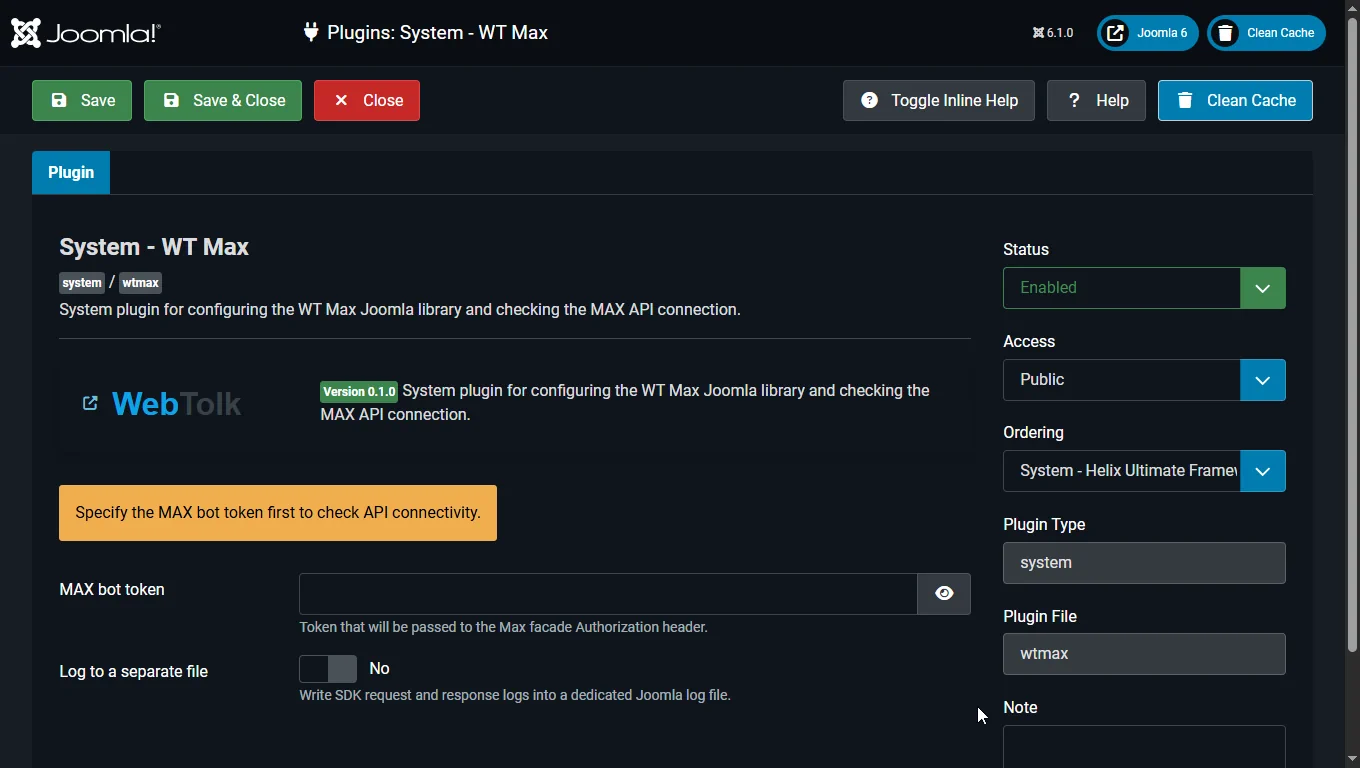
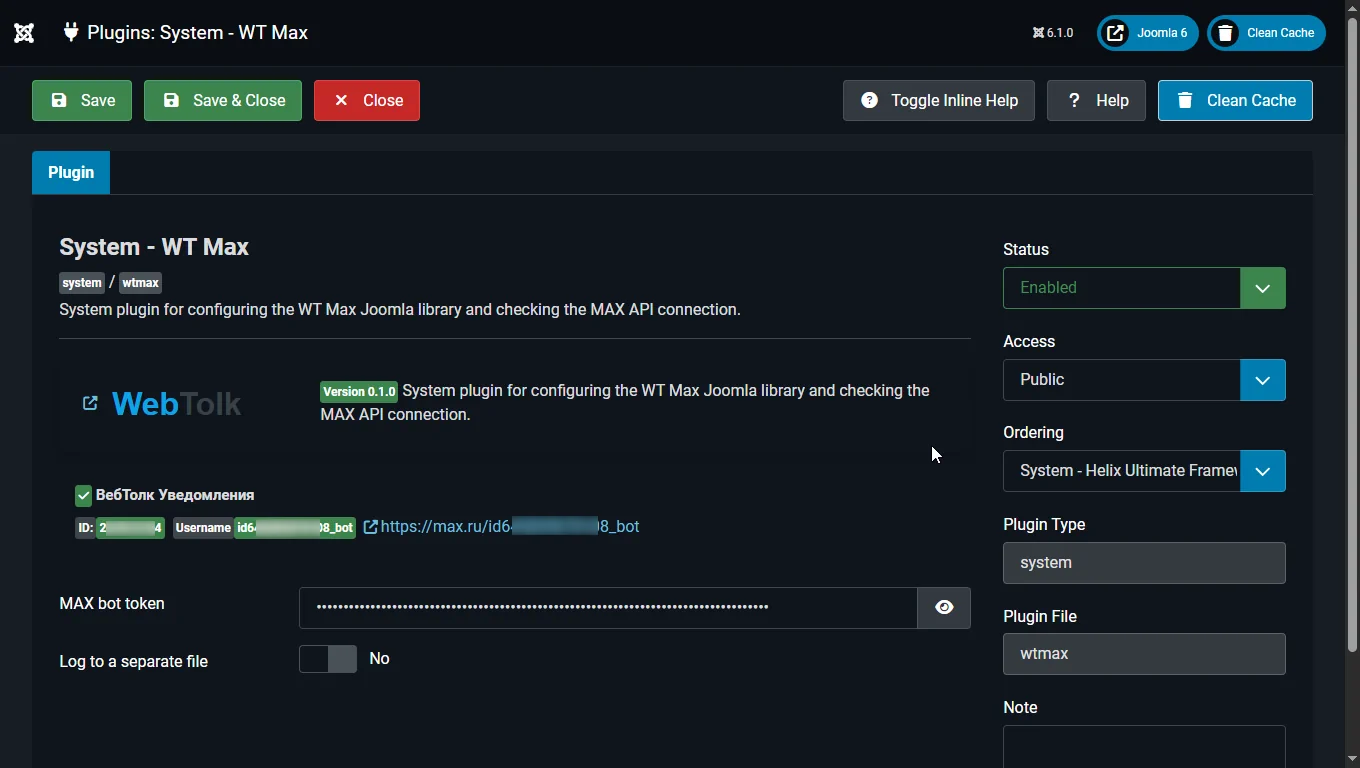
Webtolk/WtmaxAfter installation:
System - WT Max pluginMAX bot tokenWtmax::getInstance()Internally, the library creates:
Joomla\Http\HttpFactoryLaminas\Diactoros\RequestFactoryLaminas\Diactoros\StreamFactory<?php
declare(strict_types=1);
use Webtolk\Wtmax\Wtmax;
defined('_JEXEC') or die;
$max = Wtmax::getInstance();
$bot = $max->bots()->me();
echo $bot->getId();
echo $bot->getUsername();
The example is based on the upstream messages()->sendToChat() flow.
<?php

declare(strict_types=1);

use Webtolk\Max\Payload\NewMessageBody;
use Webtolk\Wtmax\Wtmax;

defined('_JEXEC') or die;

$chatId = 123456;

$message = Wtmax::getInstance()->messages()->sendToChat(
	$chatId,
	NewMessageBody::text('Hello from Joomla WT Max library')
);

echo $message->getBody()?->getText() ?? '';
The example is based on the upstream upload flow: uploads()->upload() + toAttachment() + messages()->sendToChat().
<?php

declare(strict_types=1);

use Webtolk\Max\Payload\NewMessageBody;
use Webtolk\Max\Payload\UploadType;
use Webtolk\Wtmax\Wtmax;
use RuntimeException;

defined('_JEXEC') or die;

$chatId = 123456;
$imagePath = JPATH_ROOT . '/images/sample.jpg';
$binaryImage = file_get_contents($imagePath);

if ($binaryImage === false)
{
	throw new RuntimeException('Image file was not read: ' . $imagePath);
}

$max = Wtmax::getInstance();

$imageAttachment = $max->uploads()
	->upload(UploadType::IMAGE, $binaryImage, 'image/jpeg')
	->toAttachment();

$message = $max->messages()->sendToChat(
	$chatId,
	NewMessageBody::text('Sending an image from Joomla')
		->withAttachments([$imageAttachment])
);

echo $message->getBody()?->getMessageId() ?? '';
The example is based on the upstream messages()->answerCallback() flow.
<?php

declare(strict_types=1);

use Webtolk\Max\Payload\CallbackAnswerPayload;
use Webtolk\Wtmax\Wtmax;

defined('_JEXEC') or die;

$payload = file_get_contents('php://input');

if ($payload !== false && $payload !== '')
{
	$update = json_decode($payload, true, 512, JSON_THROW_ON_ERROR);
	$callbackId = $update['callback']['callback_id'] ?? null;

	if ($callbackId !== null)
	{
		Wtmax::getInstance()->messages()->answerCallback(
			(string) $callbackId,
			(new CallbackAnswerPayload())->withNotification('Button processed')
		);
	}
}
Wtmax::getInstance() is convenient for typical Joomla usage, but you can also assemble the SDK manually if needed.
<?php

declare(strict_types=1);

require_once JPATH_LIBRARIES . '/Webtolk/Wtmax/src/libraries/vendor/autoload.php';

use Joomla\Http\HttpFactory;
use Laminas\Diactoros\RequestFactory;
use Laminas\Diactoros\StreamFactory;
use Webtolk\Max\Config\MaxConfig;
use Webtolk\Max\Max;
use Psr\Log\NullLogger;

defined('_JEXEC') or die;

$token = 'YOUR_BOT_TOKEN';

$max = new Max(
	new MaxConfig($token),
	new NullLogger()
);

$max->setTransport(
	(new HttpFactory())->getHttp([], ['curl', 'stream']),
	new RequestFactory(),
	new StreamFactory(),
);
The token is stored in the parameters of the System - WT Max system plugin.
Main parameters:
MAX bot tokenLog to a separate fileCustom log fileIf logging is enabled, the library writes to a separate file:
/logs/wtmax.max-api.log