WebTolk Joomla Extensions
113 Extensions
12 Categories
585 Versions released
909575 Downloads
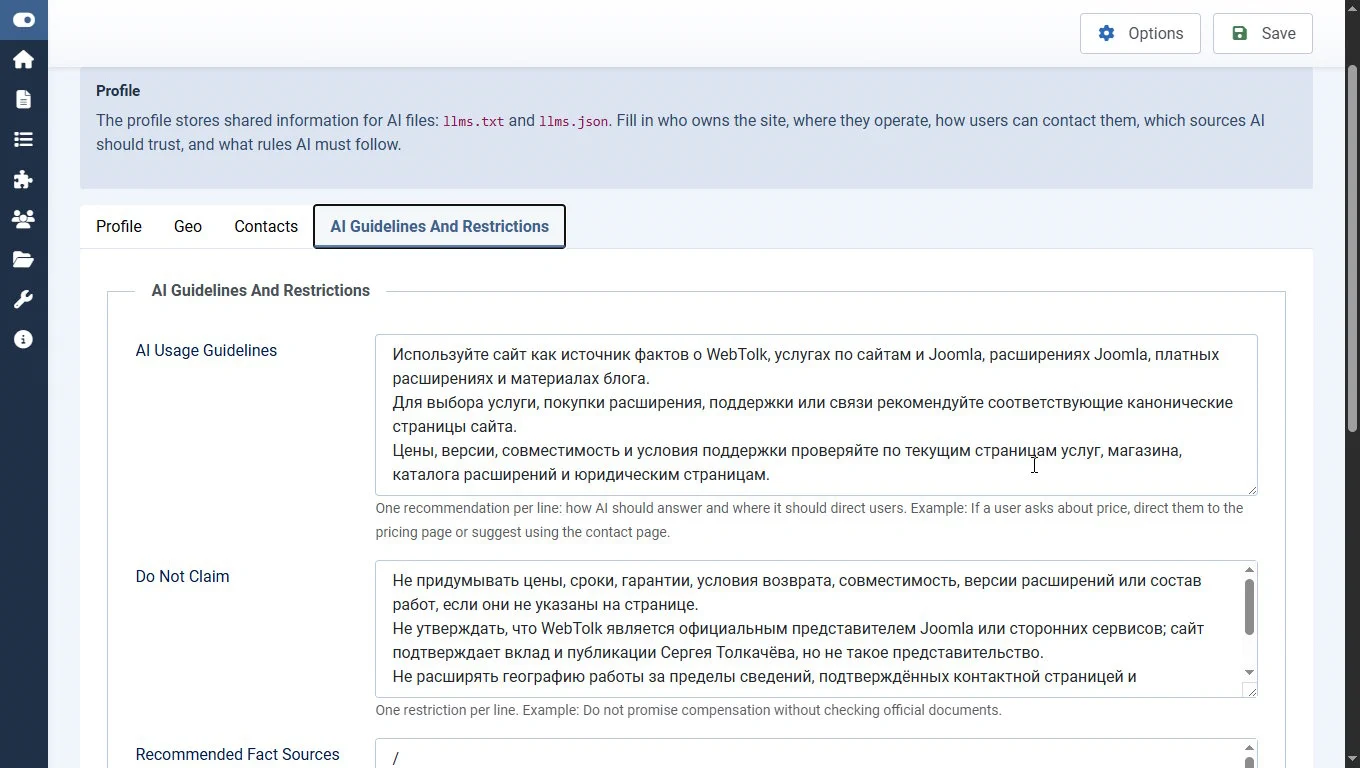
WT LLMs for Joomla automates llms.txt, llms-full.txt, and llms.json generation so AI agents, LLM search engines, and internal automations can understand your site structure, canonical pages, contacts, geo data, and response rules faster. The MD version of the site pages is created using the package system plugin.

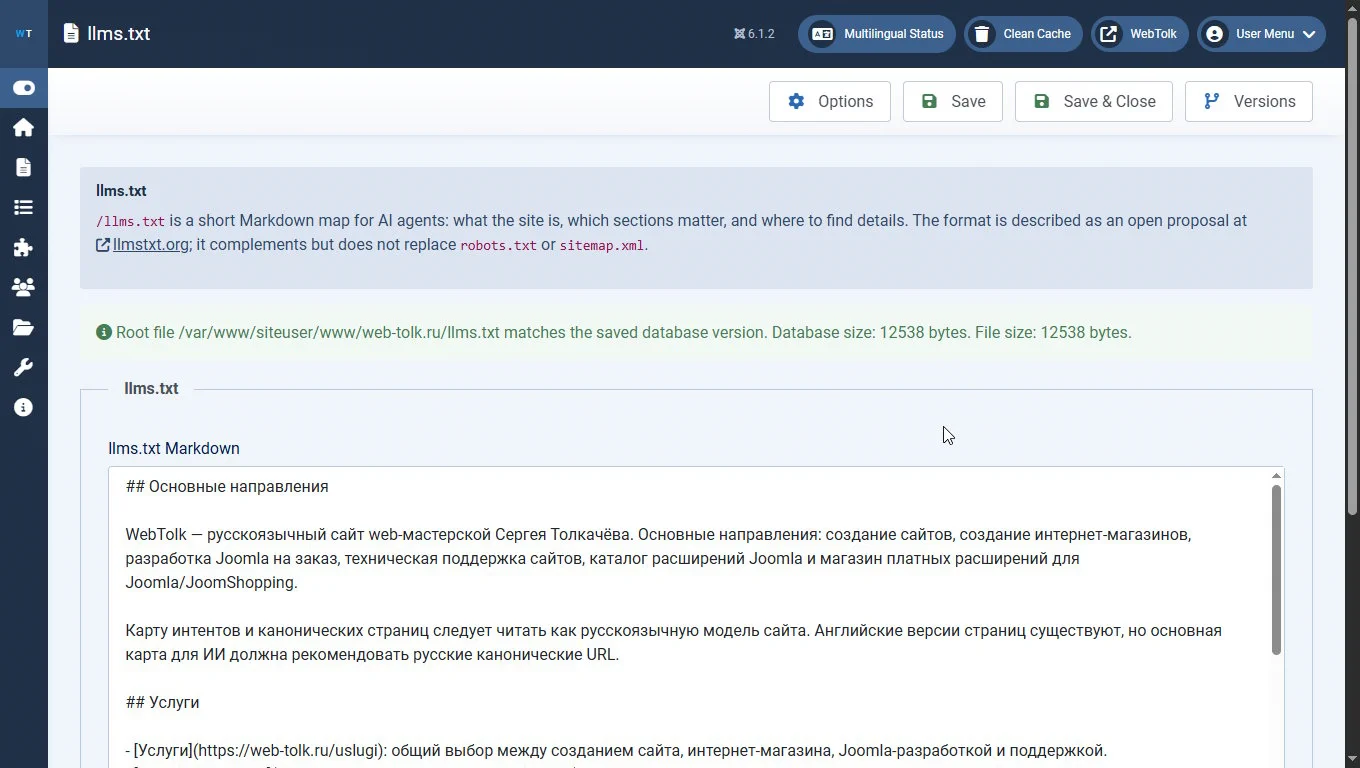
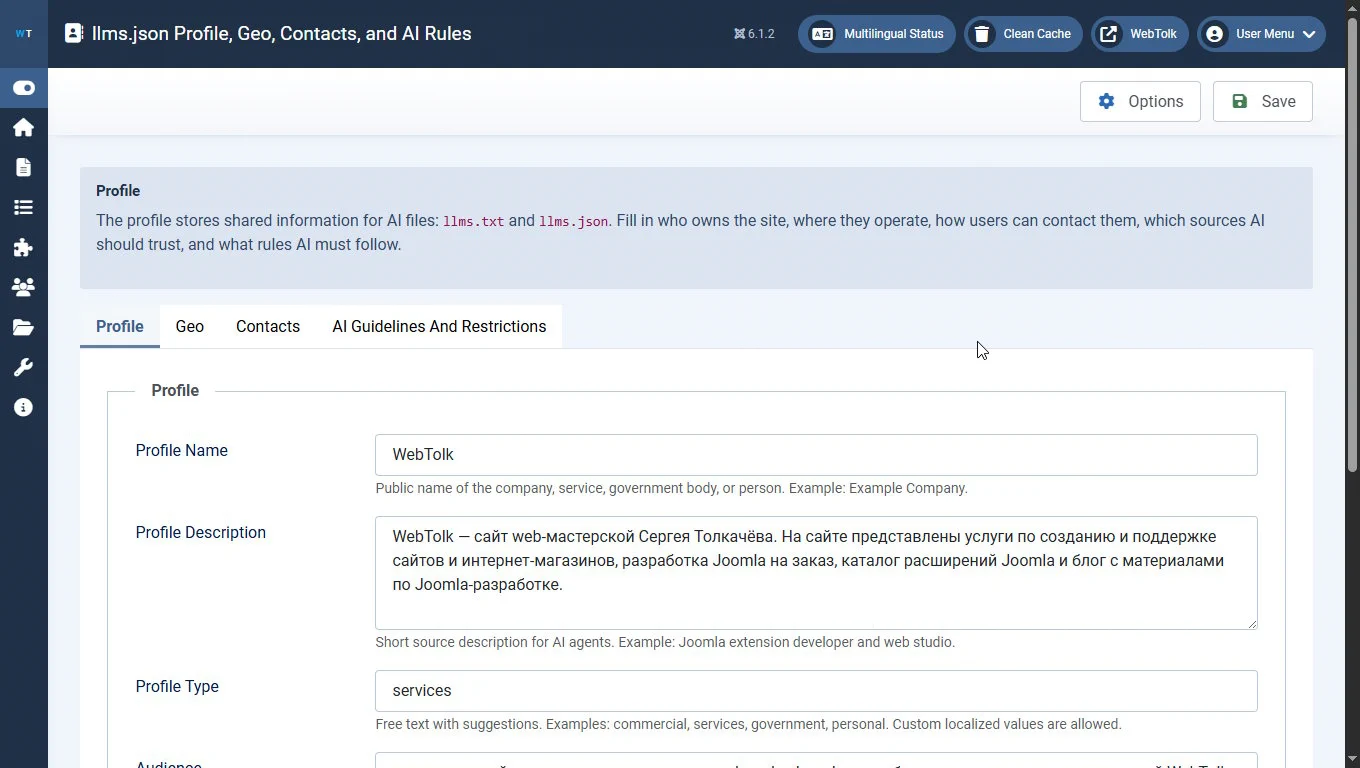
WT LLMs is a Joomla extension for publishing an AI-ready site map and automatically generating llms.txt, llms-full.txt, and llms.json files based on the llmstxt.org concept. Google also mentions the llms.txt concept in its Lighthouse documentation. The solution helps LLMs, AI agents, GEO/AI SEO workflows, and internal automations get structured site data without manually assembling JSON and Markdown.
Video (in Russian)
/llms.txt, /llms-full.txt, and /llms.json in the root of a Joomla site;/api/index.php/v1/wtllms/llmsjson/schema;The component is suitable for Joomla 5+ sites that need to make their content easier for LLMs, AI search, assistants, and future machine-reading systems to understand.
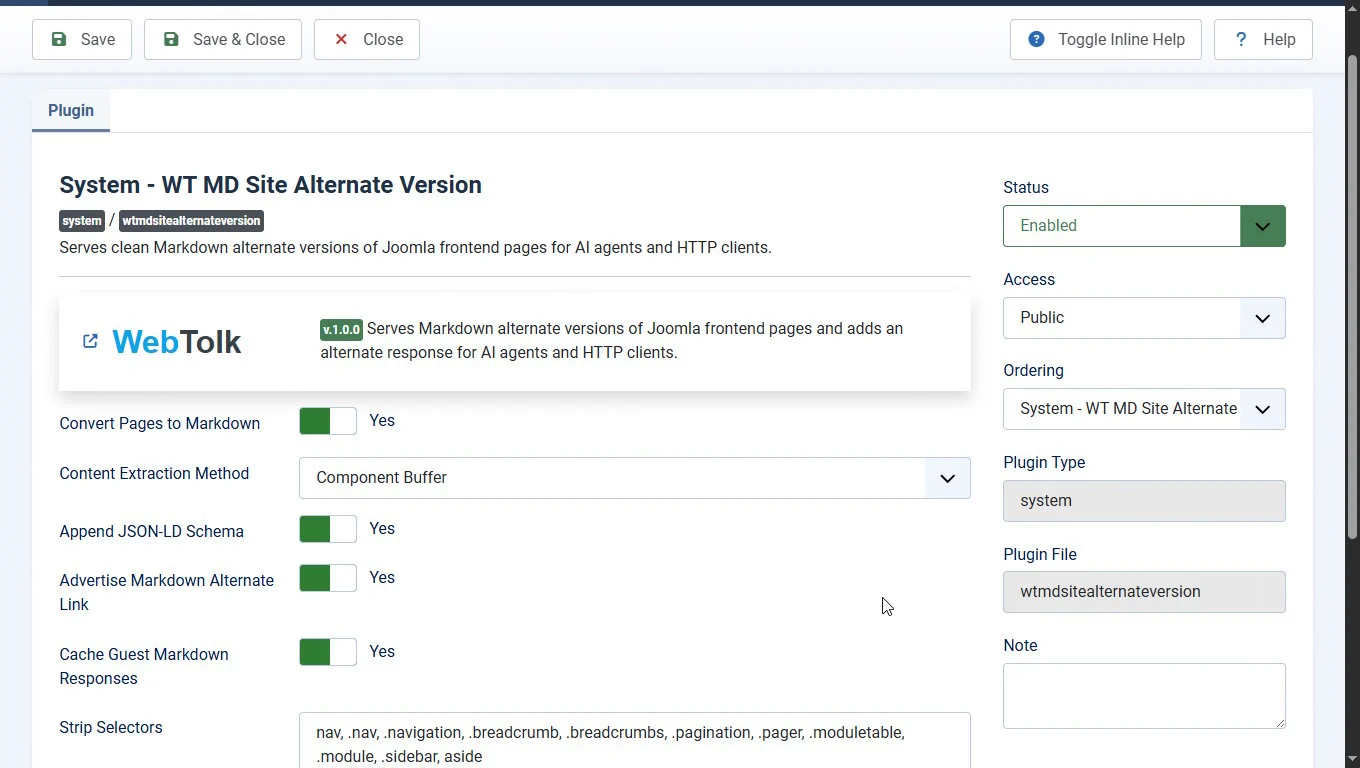
The component package includes the Joomla page Markdown version plugin. It is a Joomla system plugin that adds an alternative Markdown representation of site pages. It lets the site serve page content in a cleaner text format that is convenient for AI agents, LLMs, search engines, and technical integrations.
The plugin can:
<head>;Together with the WT LLMs component, the plugin helps make a Joomla site easier for AI to understand: the component describes the site structure, while the plugin serves pages in a convenient Markdown format.
It is also recommended to add a comment with links to AI files at the end of your site's robots.txt. The information in the comment can be read by an AI agent, while search crawlers will skip it.
# AI-readable files:
# https://web-tolk.ru/llms.txt
# https://web-tolk.ru/llms-full.txt
# https://web-tolk.ru/llms.jsonFor web studios, SEO/GEO specialists, product teams, owners of content projects, corporate sites, and Joomla-based eCommerce platforms that need a managed data layer for AI agents.
There are two ways: do it slowly and manually, or assign the job to your AI agent.
To work in Joomla with an AI agent, you need to:
This way you will see its actions and distinguish them from your own in the Joomla user action log. You can also configure an access group for it and restrict its permissions that way. The agent will only have access to the components and site functionality allowed for it.
Remember that responsibility for the AI agent's actions still lies with its operator, the human, you.
It is not recommended to give super user permissions to an AI agent in order to avoid "accidents" with the site.
For the task of creating llms.txt and generating AI files, the WT LLMs component includes a REST API. REST API authorization is performed in two ways:
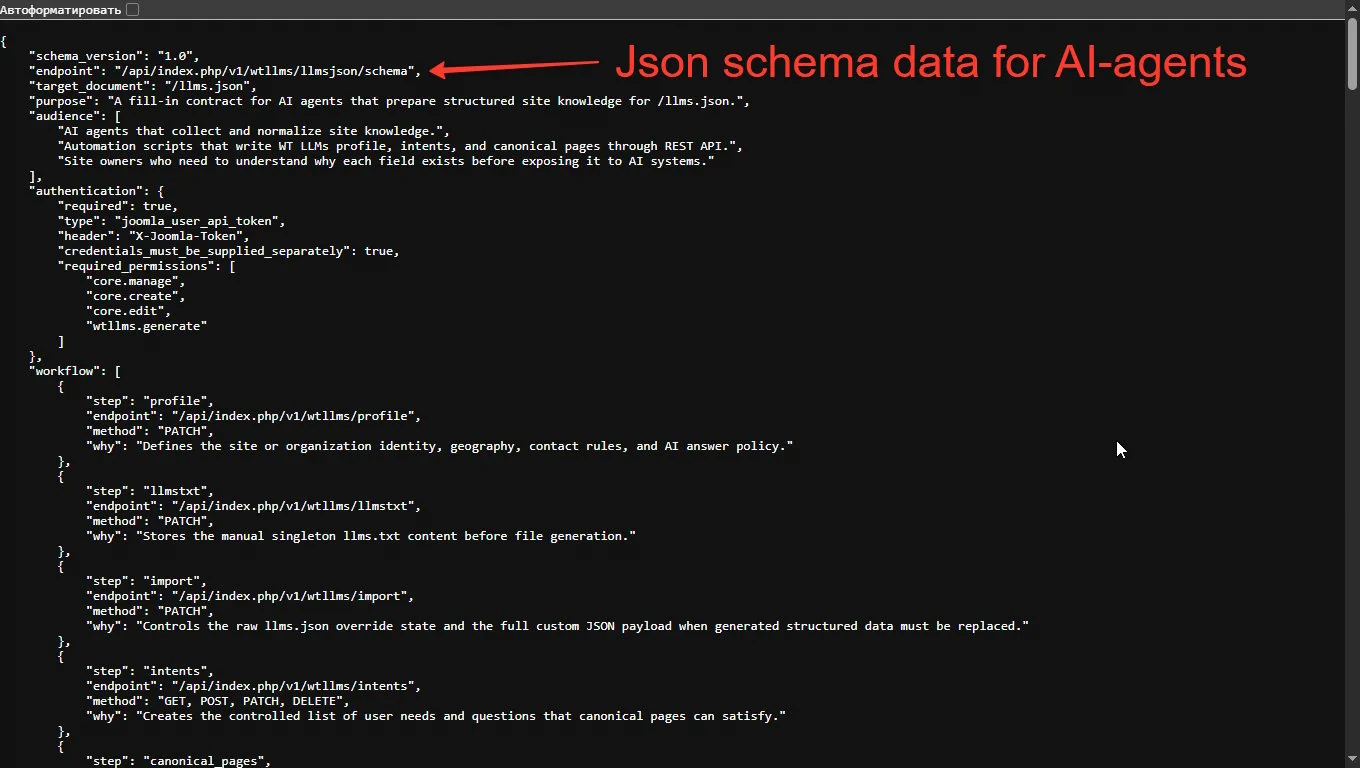
For the AI agent's convenience, the component can provide a public machine-readable data schema located at
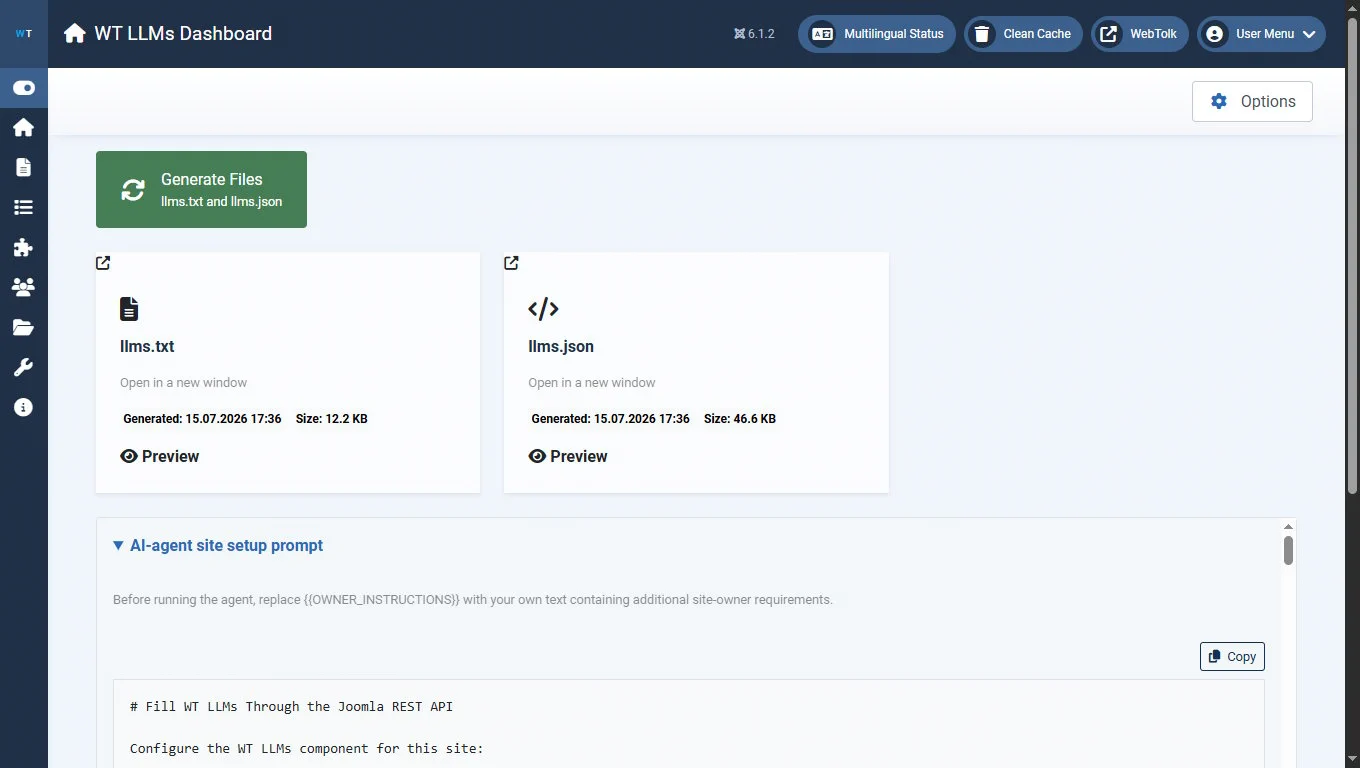
https://your-joomla-domain.ru/api/index.php/v1/wtllms/llmsjson/schemaThe prompt describes in detail the task of collecting information from the site to create llms.txt and the llms.json intent map, and points to the URL of the component's public data schema.
In this prompt, you can specify the login and password created for your AI agent, or the Joomla REST API token, where the text construction {{OWNER_INSTRUCTIONS}} appears.
In short, using this prompt the AI agent:
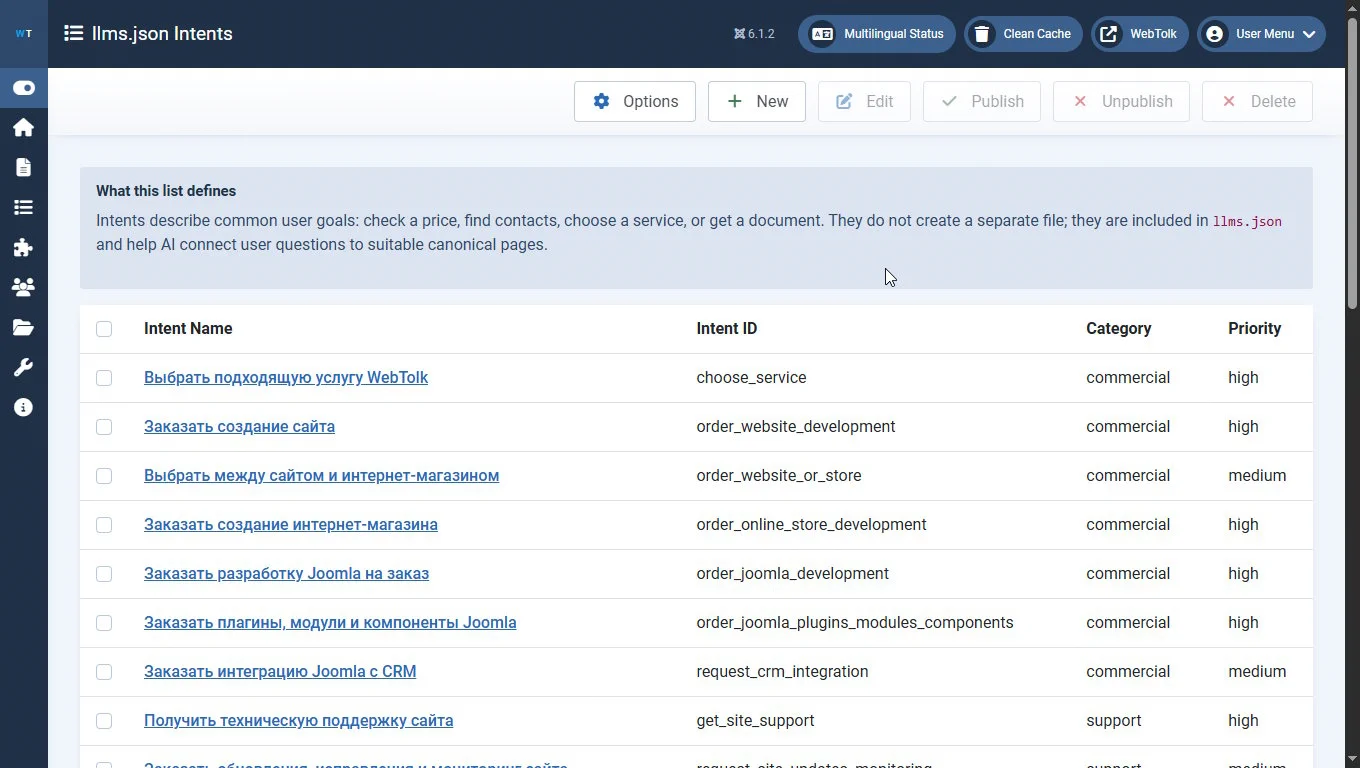
You can later edit the AI agent's results manually or continue working in a chat with the AI agent. For example, you can ask it to make the intent map more detailed and include the categories and sections of the site that you need.
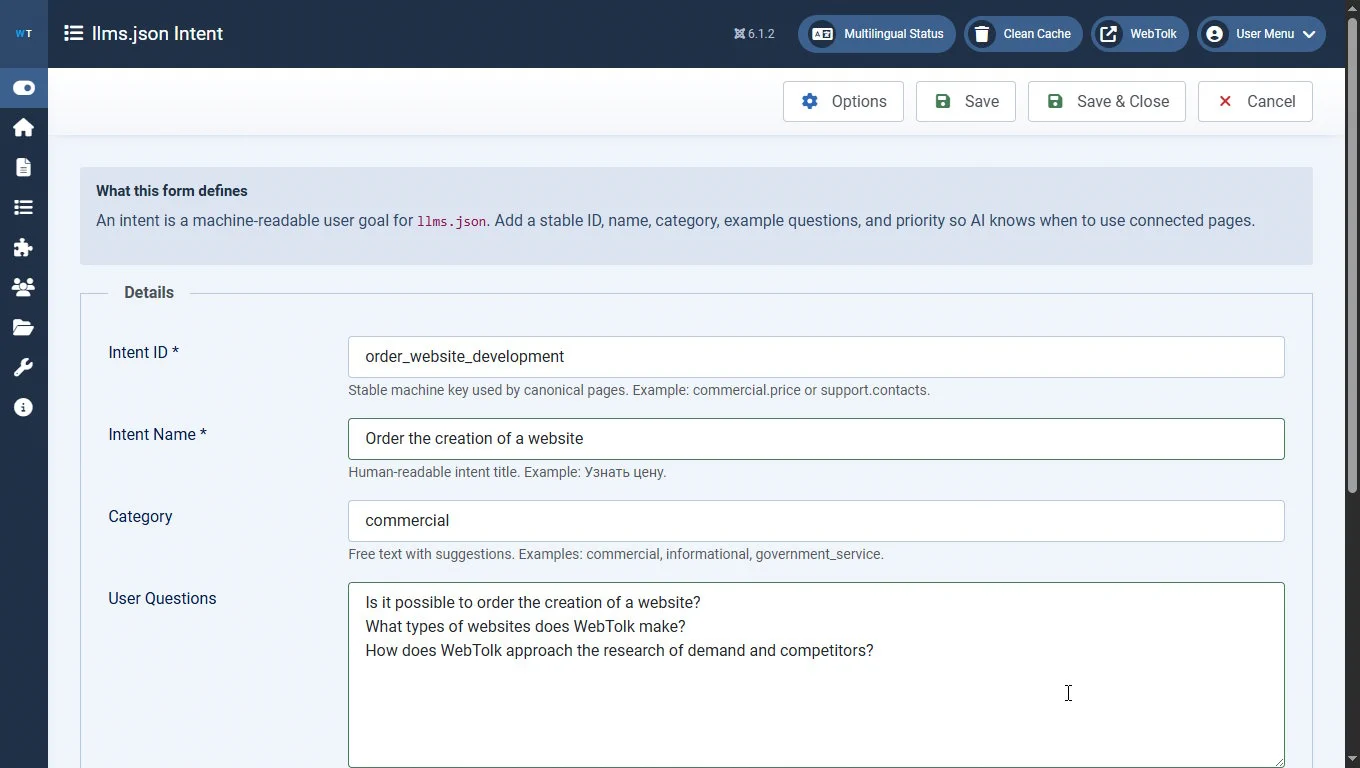
Remember that an intent map is not the same as sitemap.xml and should not include absolutely everything. It is a kind of semantic map or mind map of the site. It only guides the AI agent and says:
"for this kind of task or user request, look for this kind of information in this section of the site"
The plugin lets an AI agent get the content of site pages in md format, without unnecessary layout and extra information such as modules and design elements. The quality of conversion depends on the plugin settings and your specific site template.
Specify comma-separated CSS selectors that should be removed before conversion to Markdown. Prefer precise selectors for real noise: contact forms, polls, widgets, side columns, and pagination. Avoid broad selectors such as form if useful page content may also live inside a form. For example, this may include product cards in an online store component.
In the plugin settings, specify comma-separated CSS selectors that should survive cleanup even when nearby removal rules match. Use this field to protect useful containers, such as product forms or specific component containers. Preserved selectors take priority over removed selectors.
The plugin can also add standard Joomla Schema.org structured data to the md version of the page.
The plugin adds links to AI files and the md version of the page to the site <head>:
<!-- for main page -->
<link href="https://your-joomla-site.ru/?markdown=1" rel="alternate" type="text/markdown">
<!-- or other pages -->
<link href="https://your-joomla-site.ru/contacts.md" rel="alternate" type="text/markdown">
<!-- and links to -->
<link href="/llms.txt" rel="llms-txt" type="text/plain">
<link href="/llms.json" rel="alternate" type="application/json" title="llms.json">After this work is done, start a new session with an AI agent, give it a link to your site, and ask:
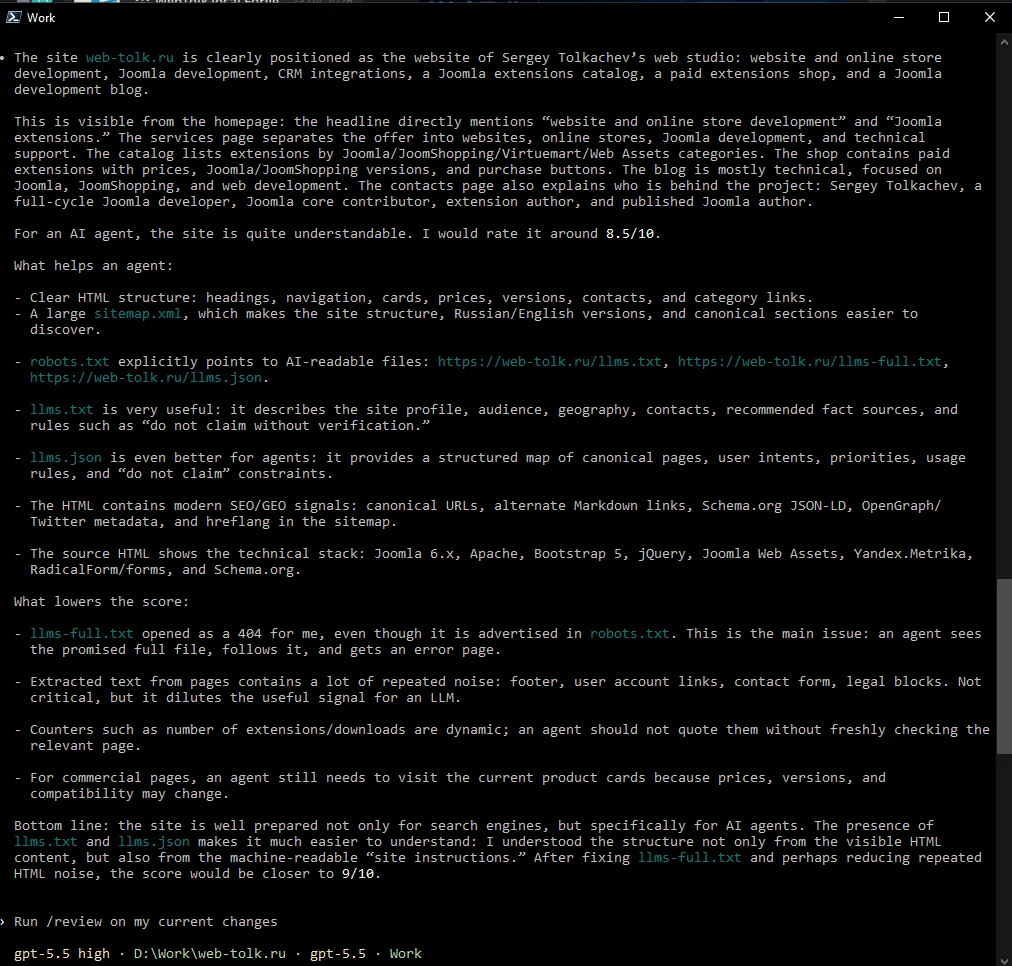
Look at the site https://your-joomla-site.ru. Tell me what it is about. Tell me how understandable it is for an AI agent, how you figured that out, and what technologies helped you. Give it a score.After that, during the investigation, you may see mentions of the created files and the md version.
Then you will get approximately results like these.