WebTolk Joomla Extensions
113 Extensions
12 Categories
581 Versions released
891889 Downloads
WT JoomShopping Finder indexes JoomShopping products in Joomla Smart Search: titles, descriptions, characteristics, attributes, manufacturer names, product codes, EAN values, and multilingual product data.

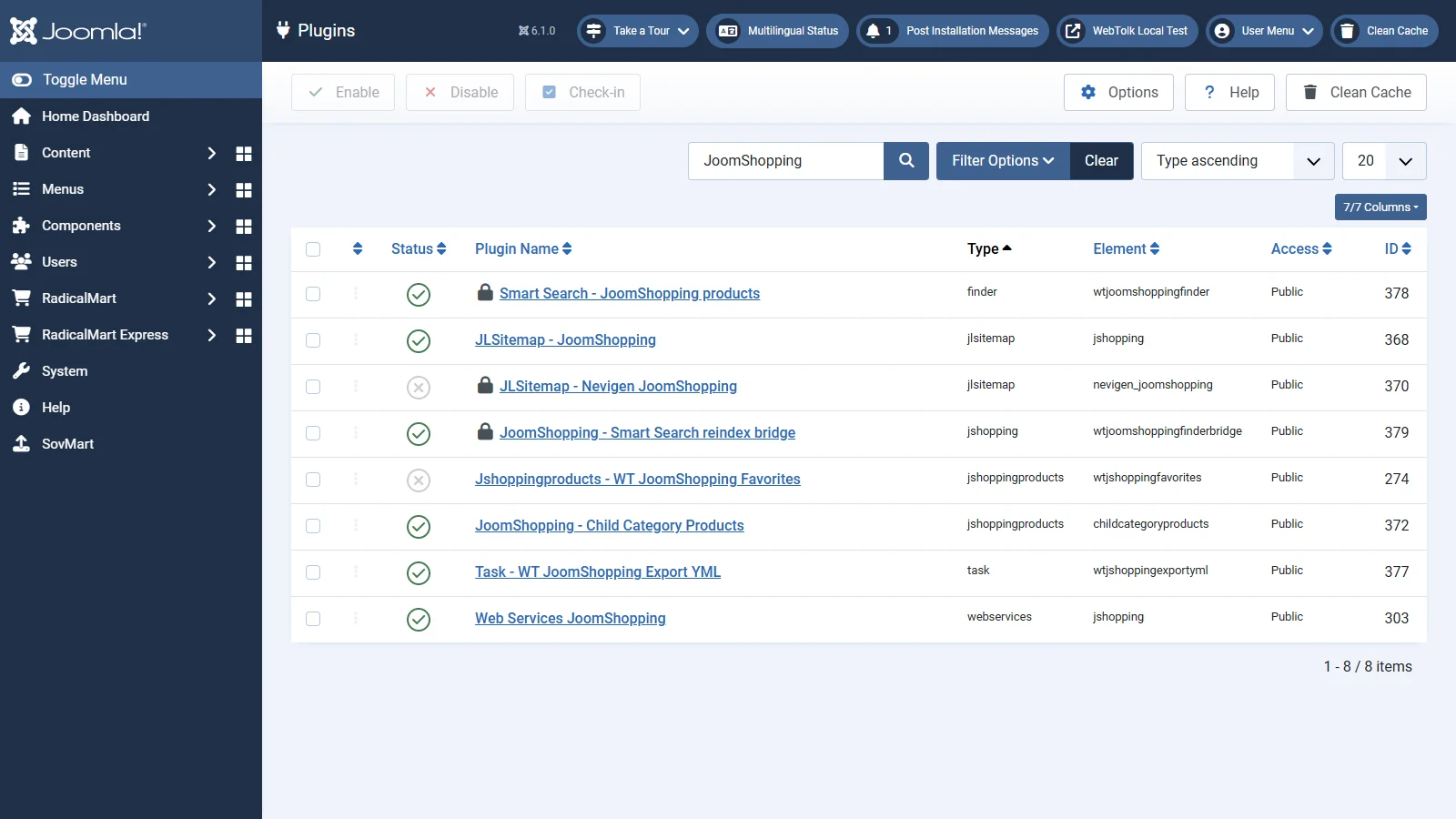
WT JoomShopping Finder is a Joomla Smart Search package that adds published JoomShopping products to the search index. The package installs two plugins: the finder plugin Smart Search - JoomShopping products and the JoomShopping bridge plugin JoomShopping - Smart Search reindex bridge.
The finder plugin builds searchable product documents. The bridge plugin helps keep those documents up to date after JoomShopping product and manufacturer changes.
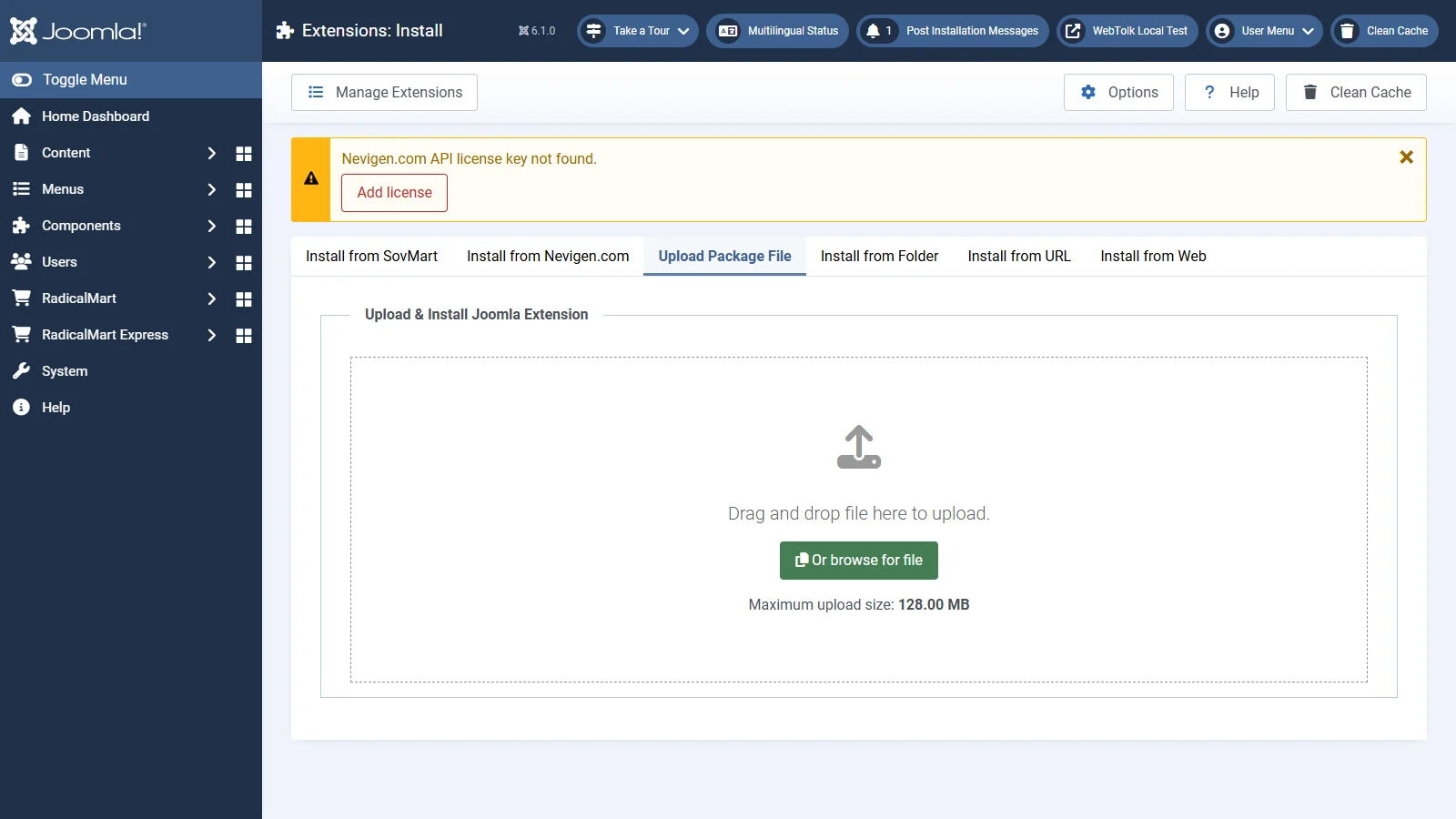
The extension can be installed by using either standard Joomla method: upload the extension ZIP package from your computer or provide the package URL in the installer.
Open System -> Manage -> Plugins and search for JoomShopping. The package installs two plugins. To configure indexing, open the plugin with type finder: Smart Search - JoomShopping products.
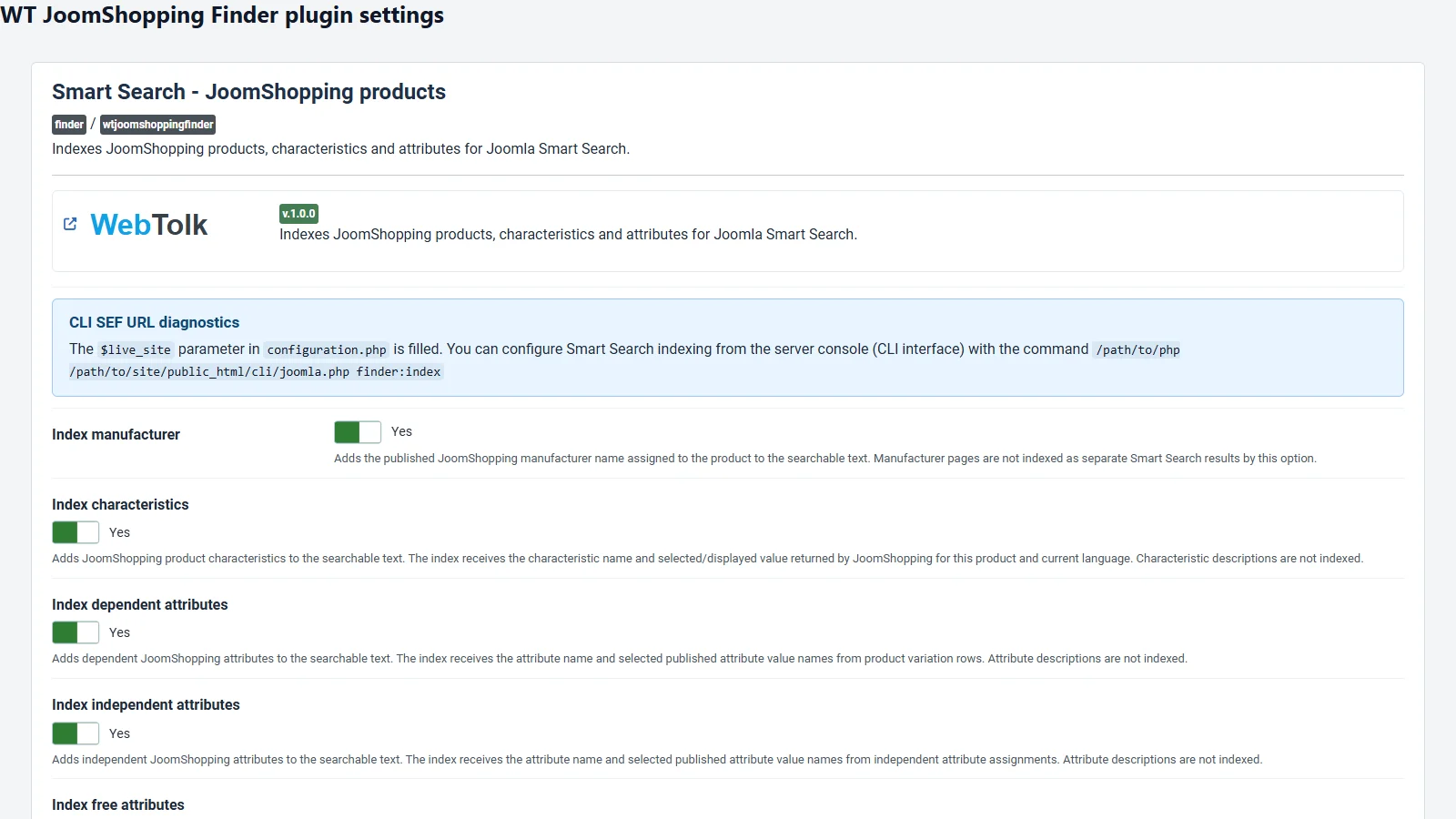
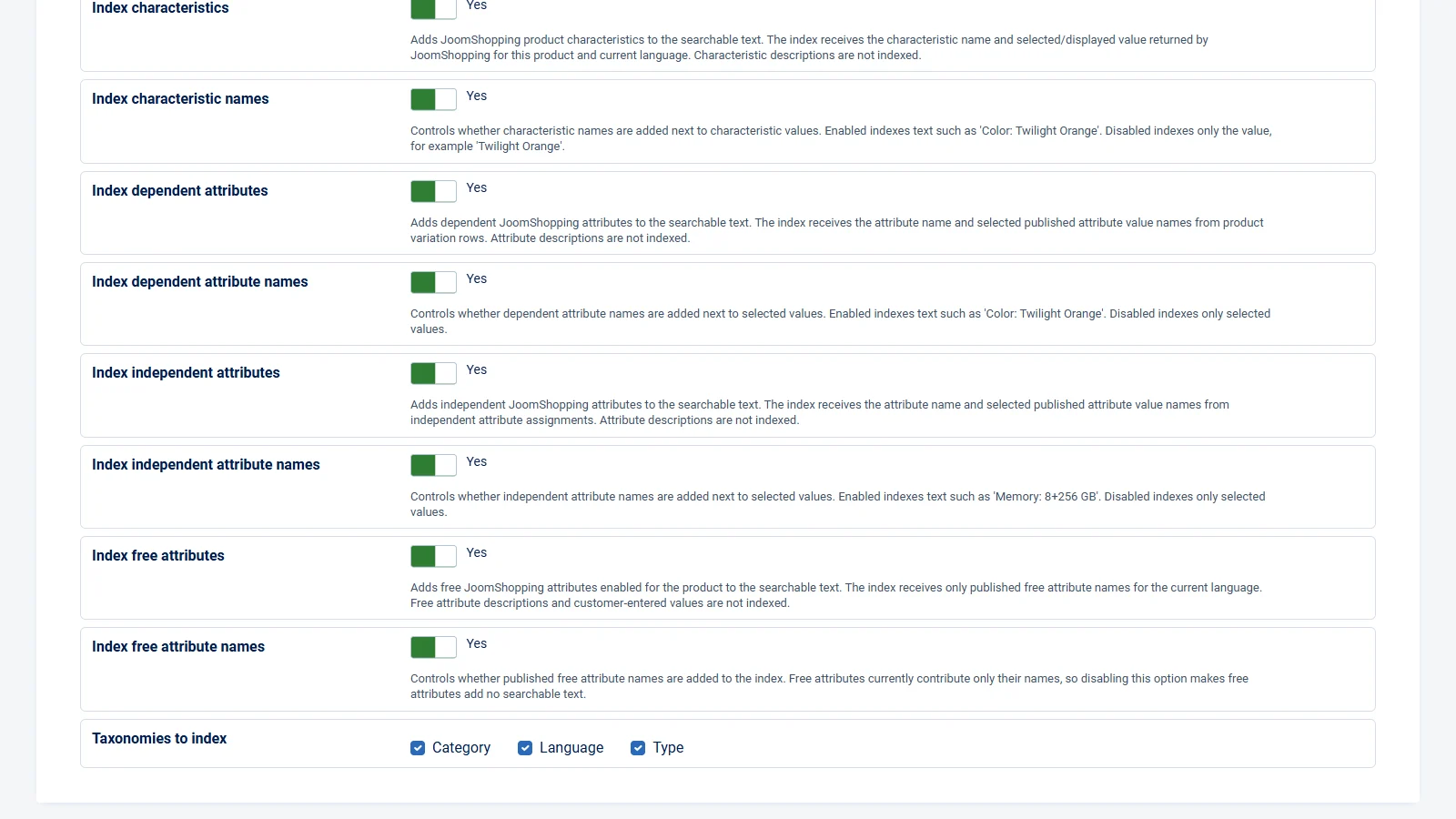
The settings are located on the Smart Search - JoomShopping products plugin page. All main additional text sources are enabled by default. Dependent switches are shown only when their parent data source is enabled.
| Setting | What is added to the index |
|---|---|
| Index manufacturer | The published manufacturer name assigned to the product. Manufacturer pages are not created as separate Smart Search results. |
| Index manufacturer label | Controls only the label next to the value. Enabled: Manufacturer: Xiaomi. Disabled: only Xiaomi. |
| Index characteristics | The characteristic name and the selected or displayed value for the product and current language. Characteristic descriptions are not indexed. |
| Index characteristic names | Enabled: Color: Twilight Orange. Disabled: only Twilight Orange. |
| Index dependent attributes | Dependent attribute names and selected published value names from product variation rows. Attribute descriptions are not indexed. |
| Index dependent attribute names | Controls whether the dependent attribute name is added next to selected values. |
| Index independent attributes | Independent attribute names and selected published value names from independent attribute assignments. Attribute descriptions are not indexed. |
| Index independent attribute names | Controls whether the independent attribute name is added next to selected values. |
| Index free attributes | Only published free attribute names enabled for the product and for the currently indexed language. Descriptions and customer-entered values are not indexed. |
| Index free attribute names | Free attributes currently contribute only their names. If this child setting is disabled, free attributes add no searchable text. |
| Taxonomies to index | Smart Search content maps: category, language and type. This affects Finder filtering and content maps; it does not create separate category pages. |
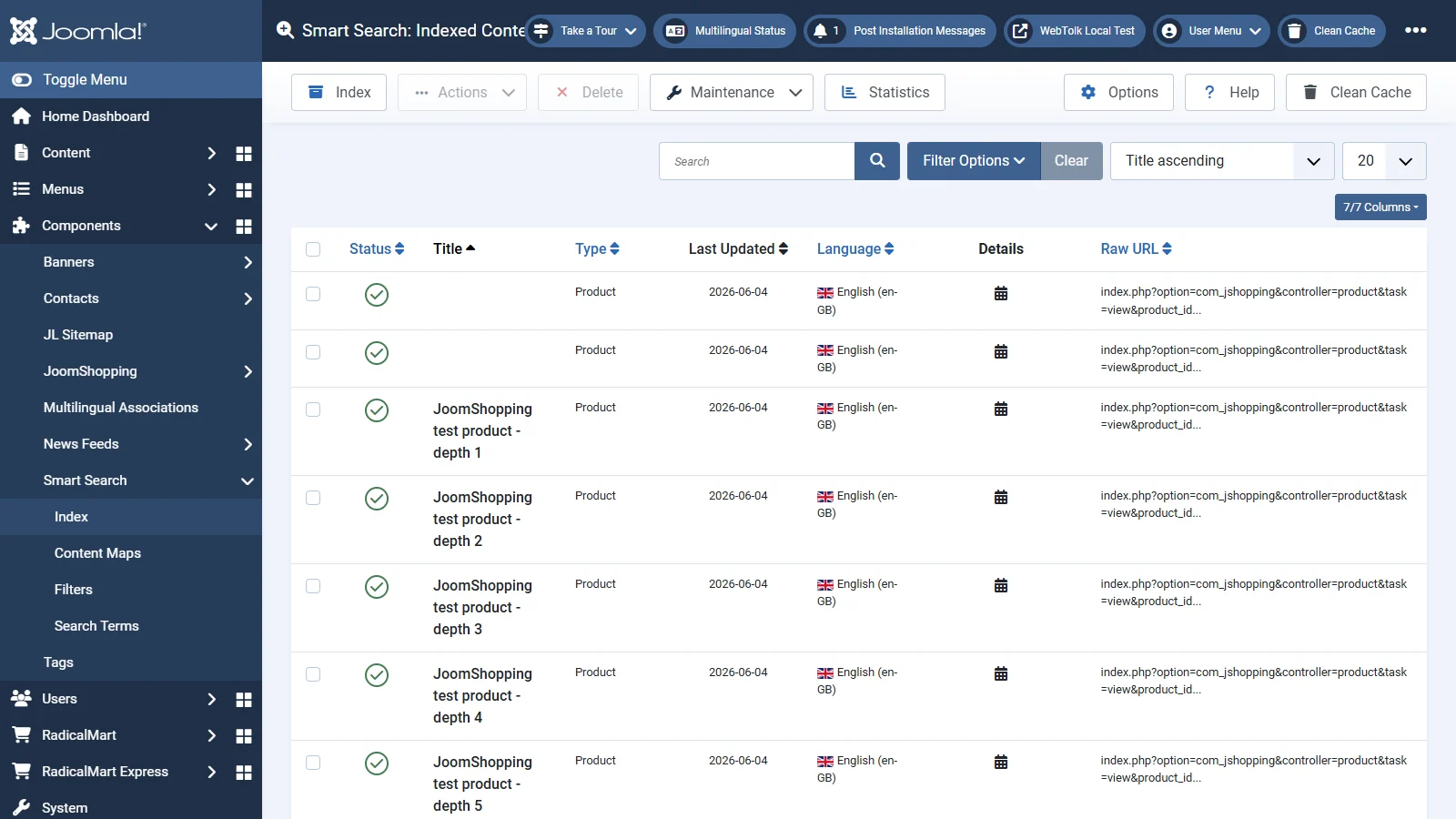
The plugin works as a Joomla Smart Search adapter. During indexing it reads published JoomShopping products, respects access, publication state and Joomla languages, and creates searchable documents of type Product. On multilingual sites one product can produce separate Finder records for different languages.
The main product search text is extended with selected sources: manufacturer, characteristics, dependent attributes, independent attributes and free attributes. Attribute and characteristic descriptions are intentionally excluded because these fields are often used for technical notes.
The JoomShopping bridge plugin reacts to product and manufacturer changes. When a product is saved, published, unpublished or deleted, or when a manufacturer changes, affected product Finder links are updated or removed.
Changing plugin parameters changes the text composition used by the next indexing run. Existing Smart Search records are not rebuilt automatically only because the settings were saved.
Important. After changing any indexing parameter, save the plugin and run a full Smart Search reindex. Without reindexing, existing records may still contain text built with the previous settings.
New or changed products will use current settings on the next normal index update, but a full rebuild is required for consistent results across the whole catalog.
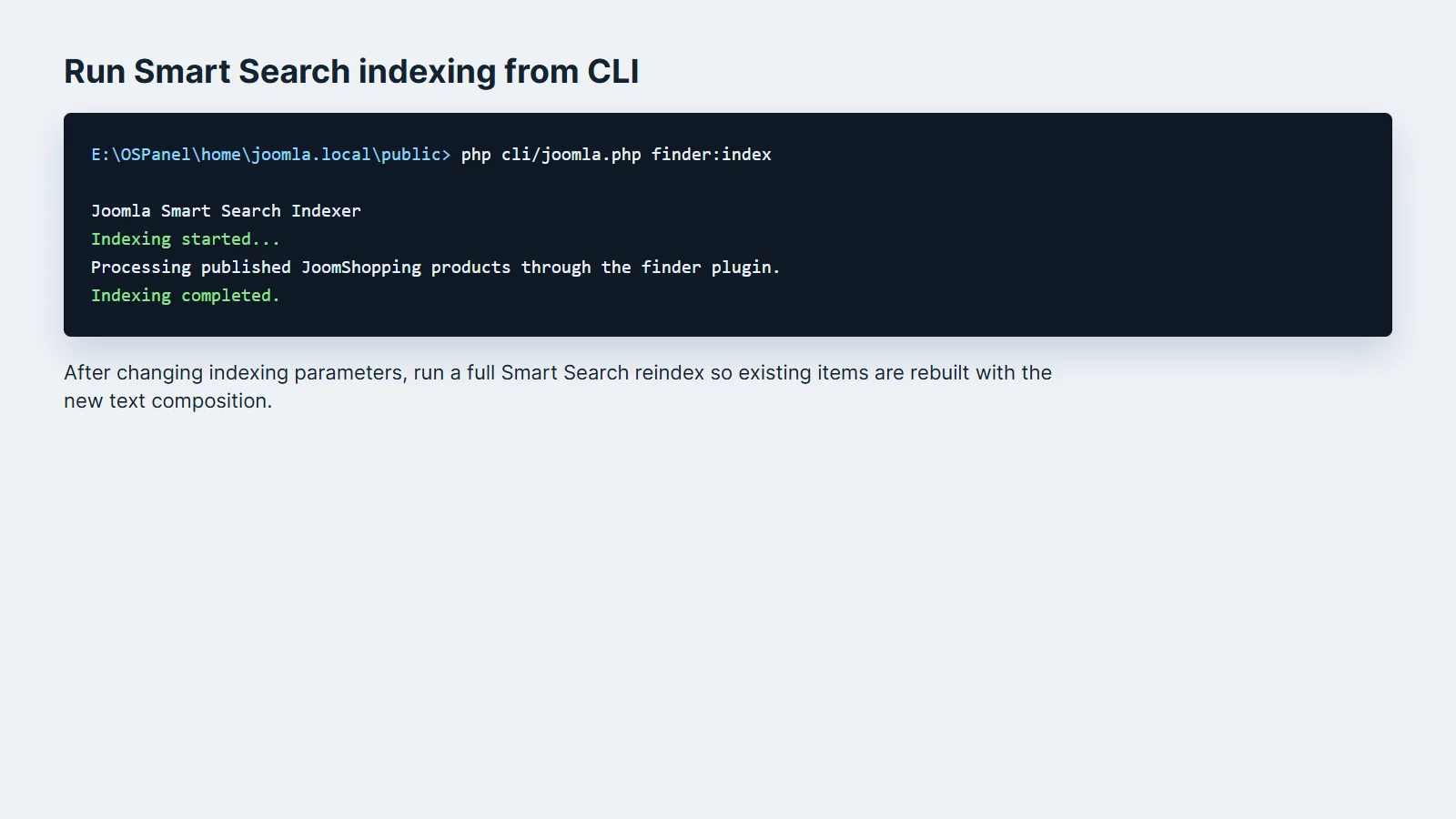
On the server, switch to the Joomla site root and run the standard Smart Search command:
php cli/joomla.php finder:indexCLI indexing is useful for large catalogs, scheduled jobs and planned rebuilds after changing settings. The command runs the global Smart Search indexer, so enabled finder plugins other than JoomShopping products may also be processed.