WebTolk Joomla Extensions
113 Extensions
12 Categories
585 Versions released
913851 Downloads
Quick start for exporting JoomShopping products to YML: package installation, profile setup, first run, and scheduled generation.
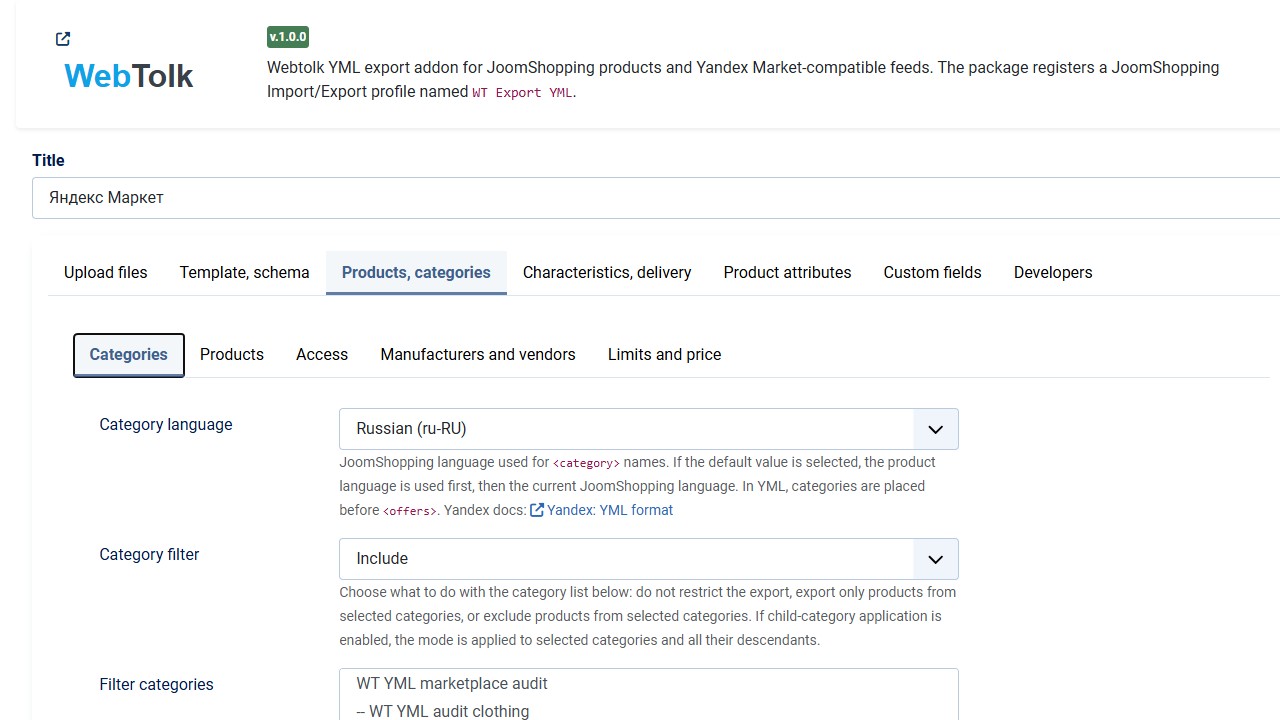
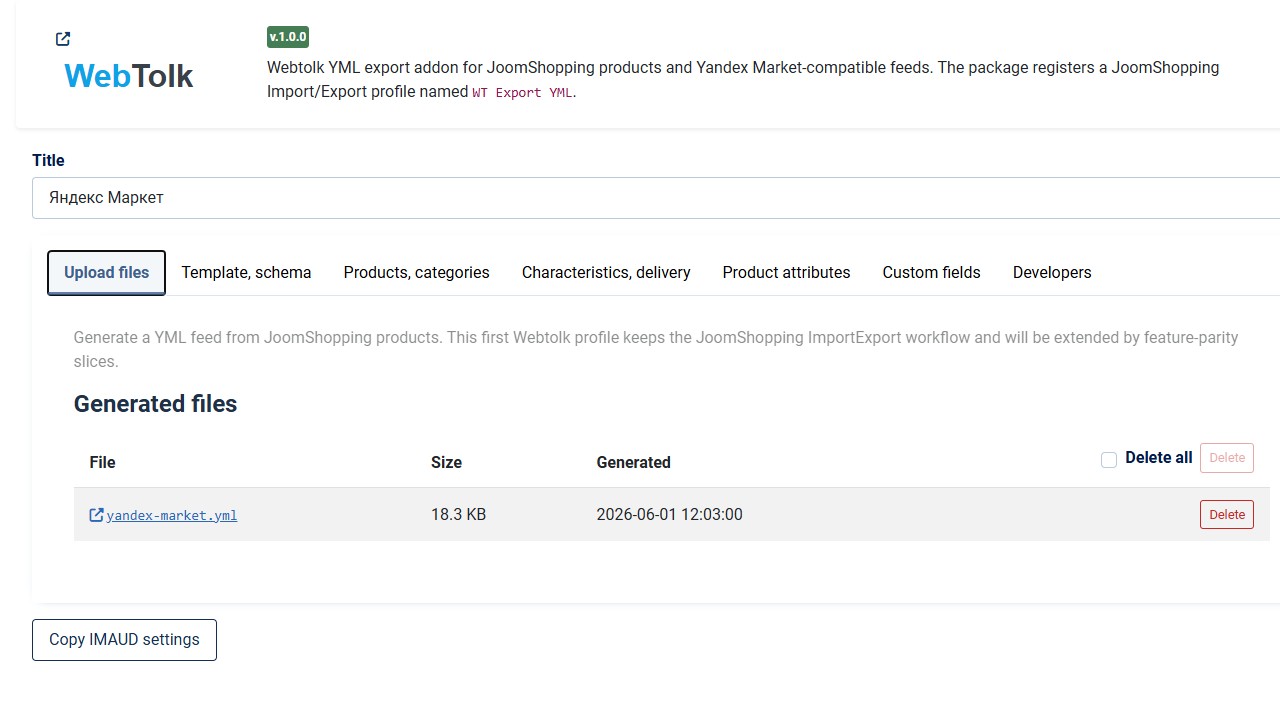
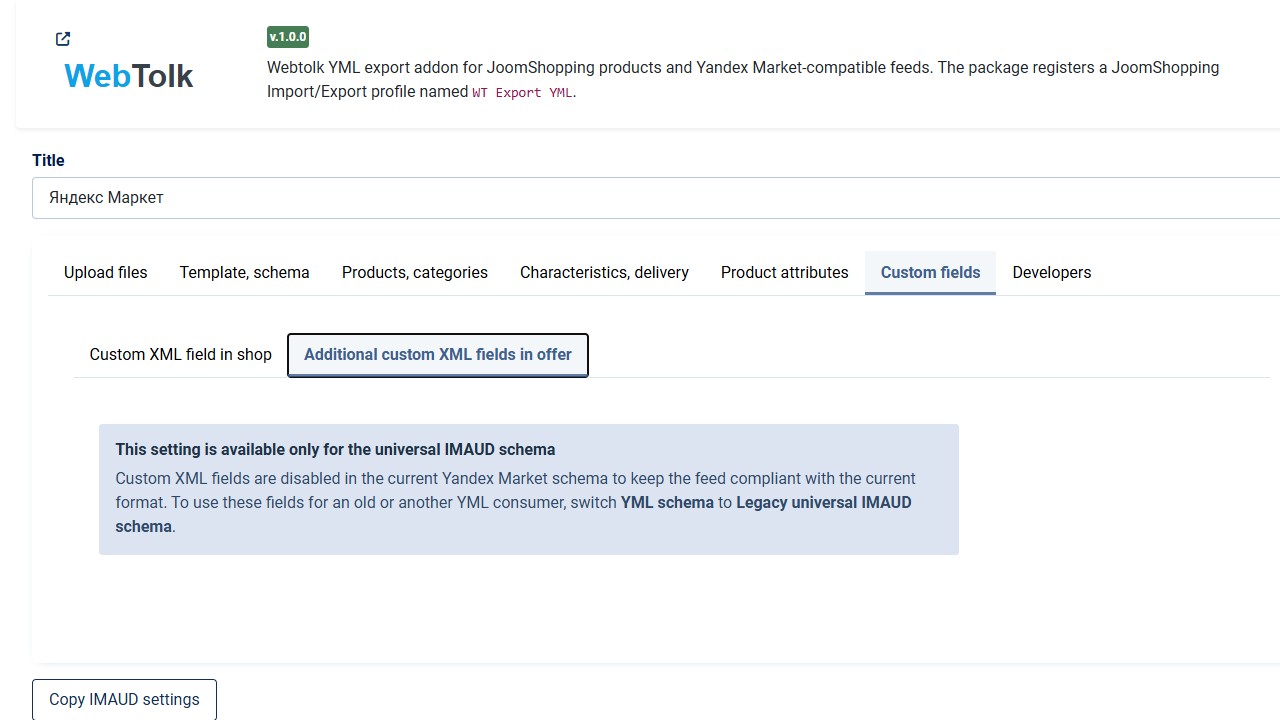
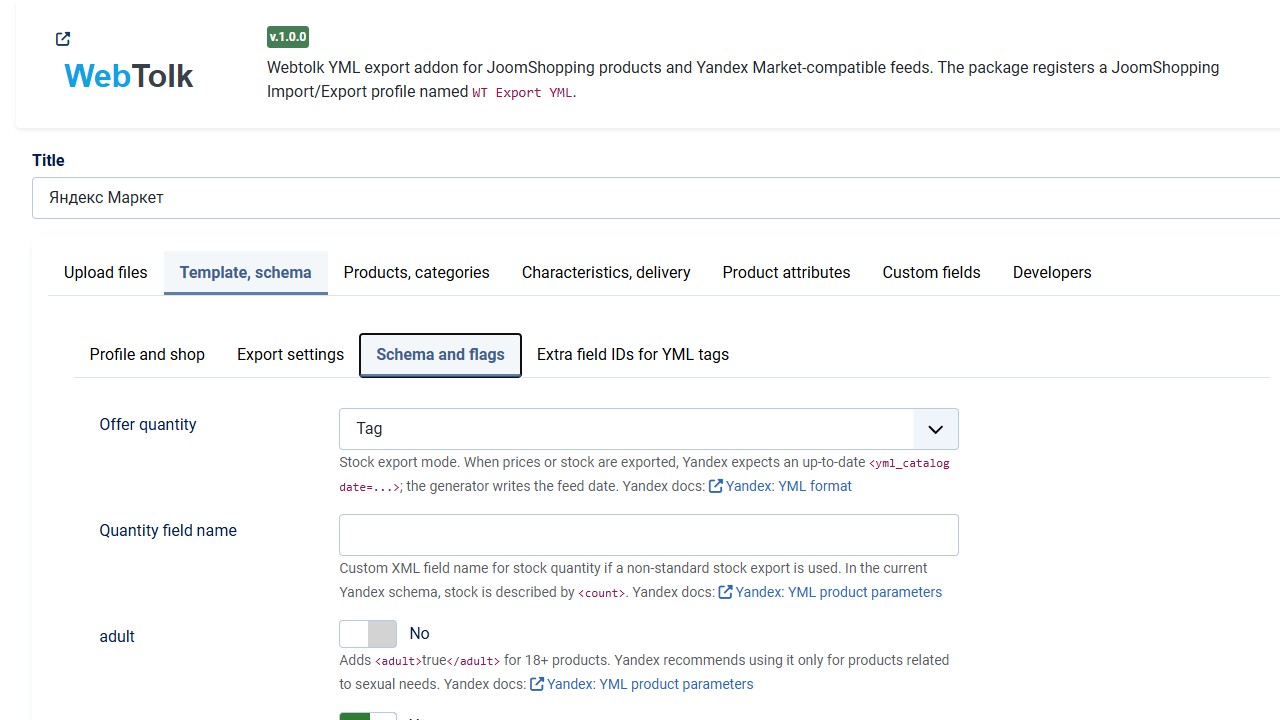
WT JoomShopping Export YML creates a YML/XML product feed from JoomShopping for external marketplaces and catalog services. The extension is installed as a Joomla package, adds a JoomShopping Import/Export profile, and can generate the feed manually or on schedule.
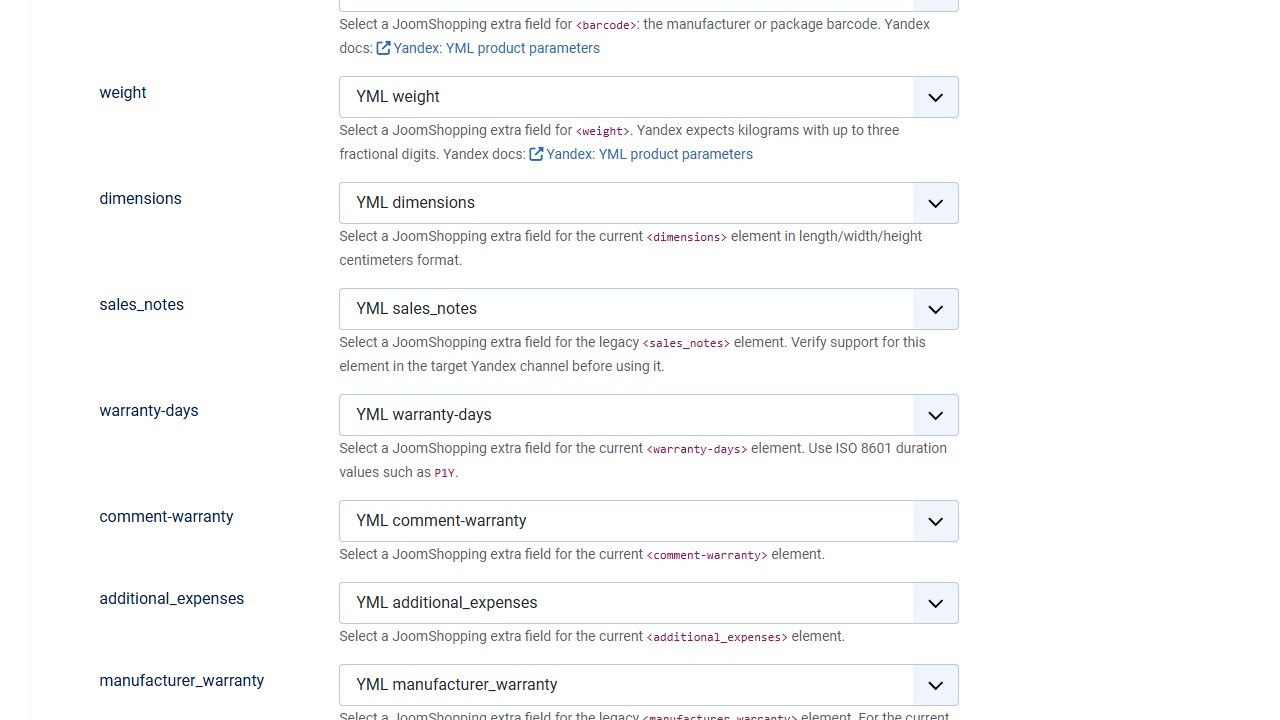
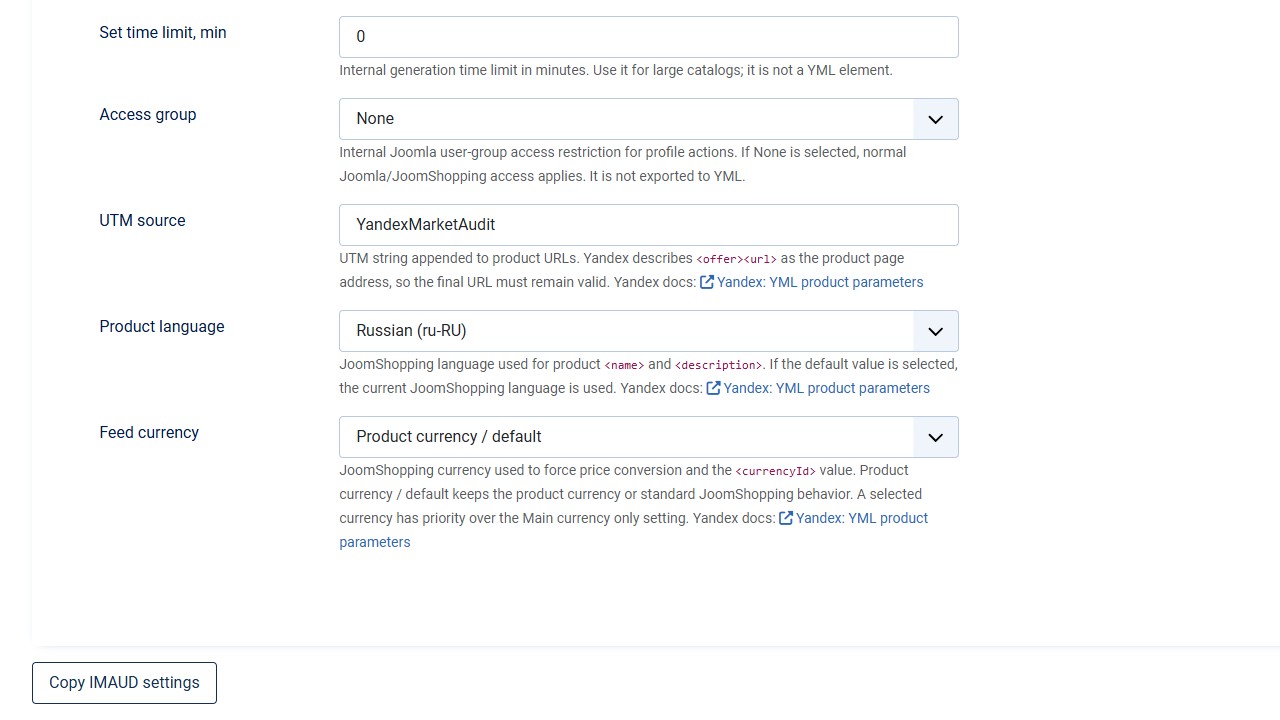
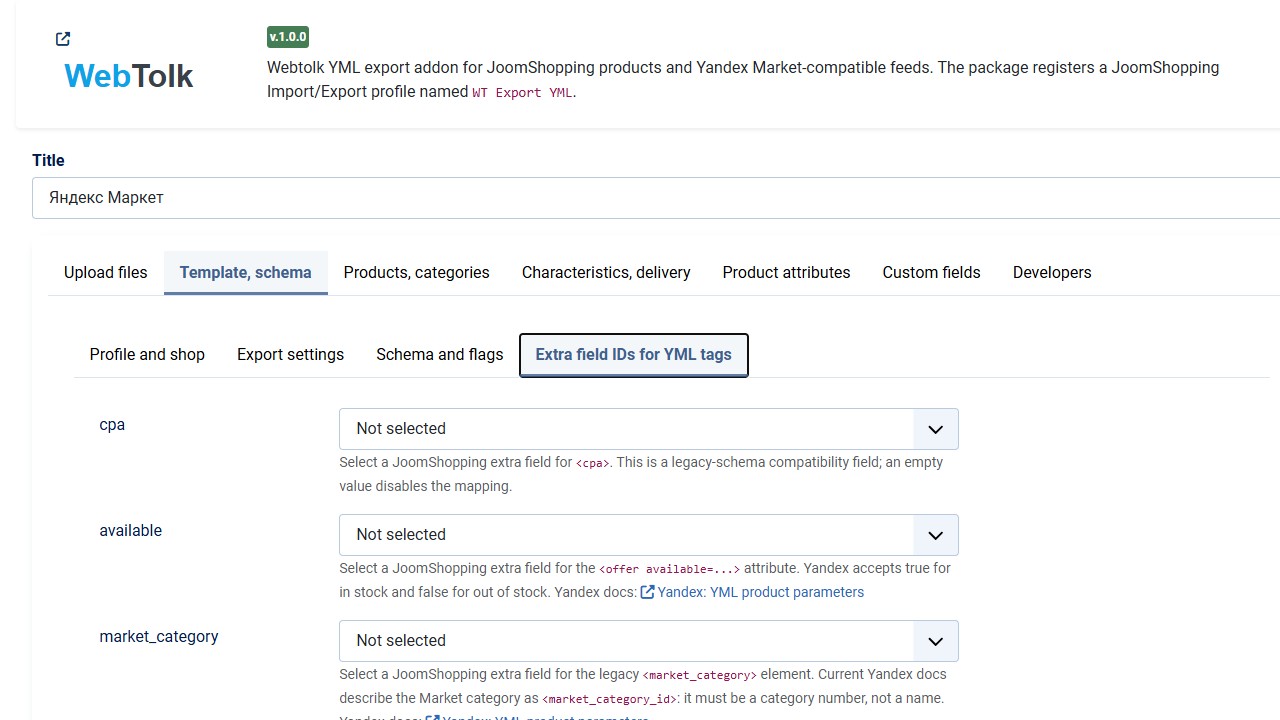
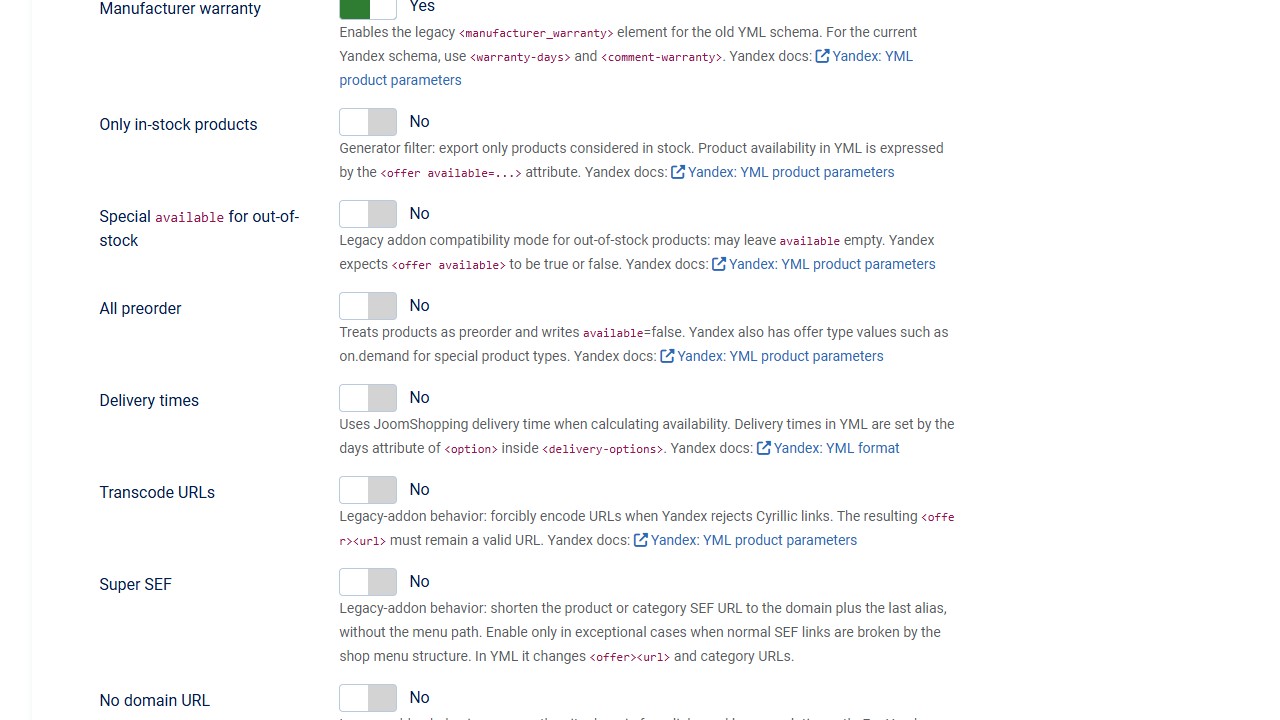
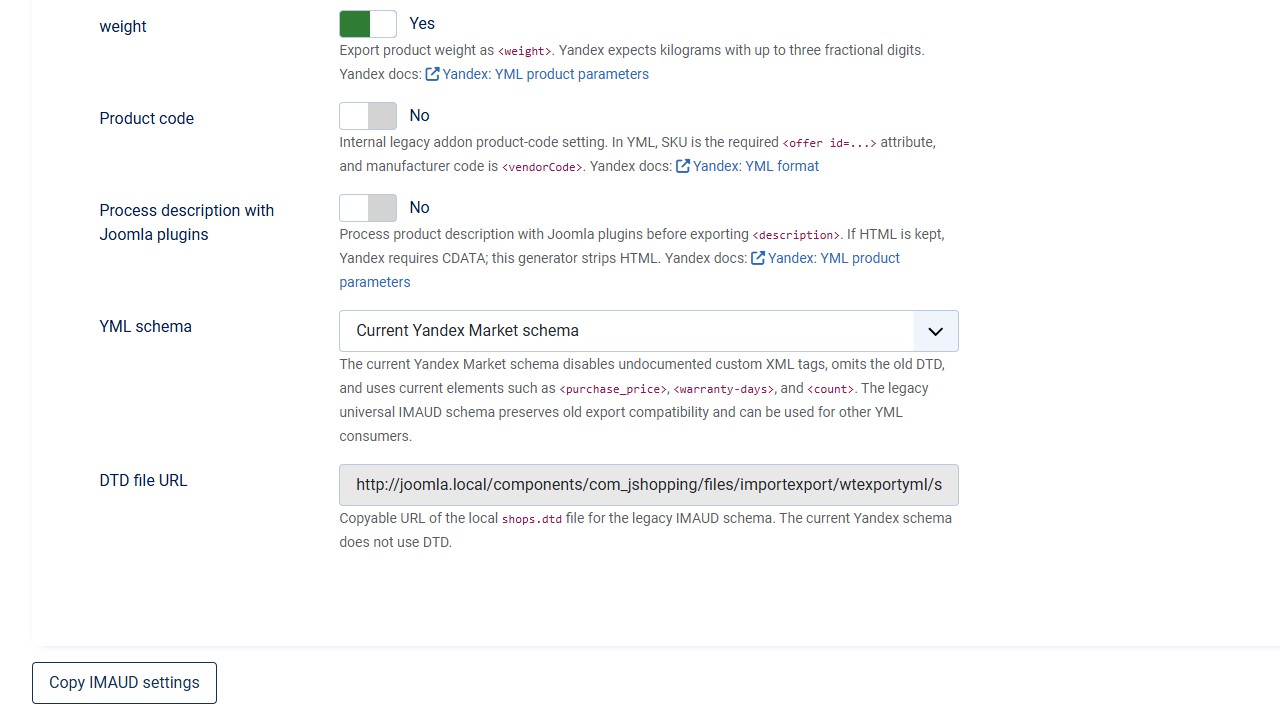
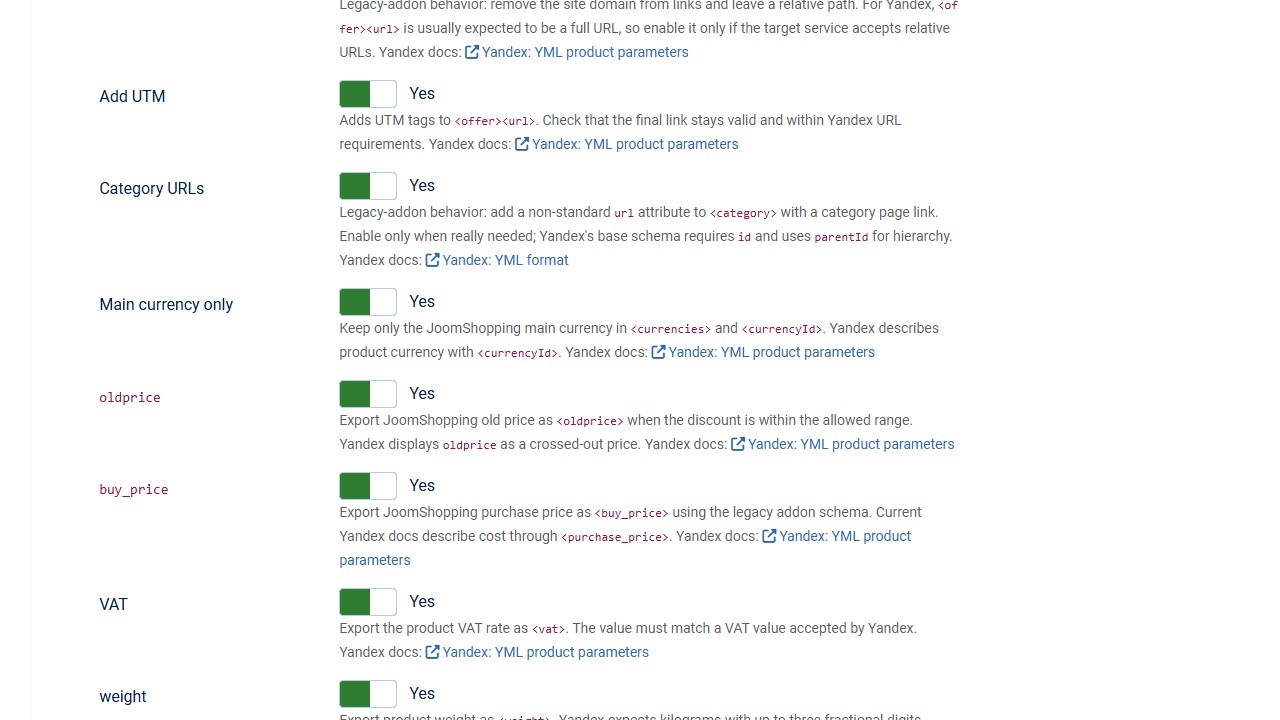
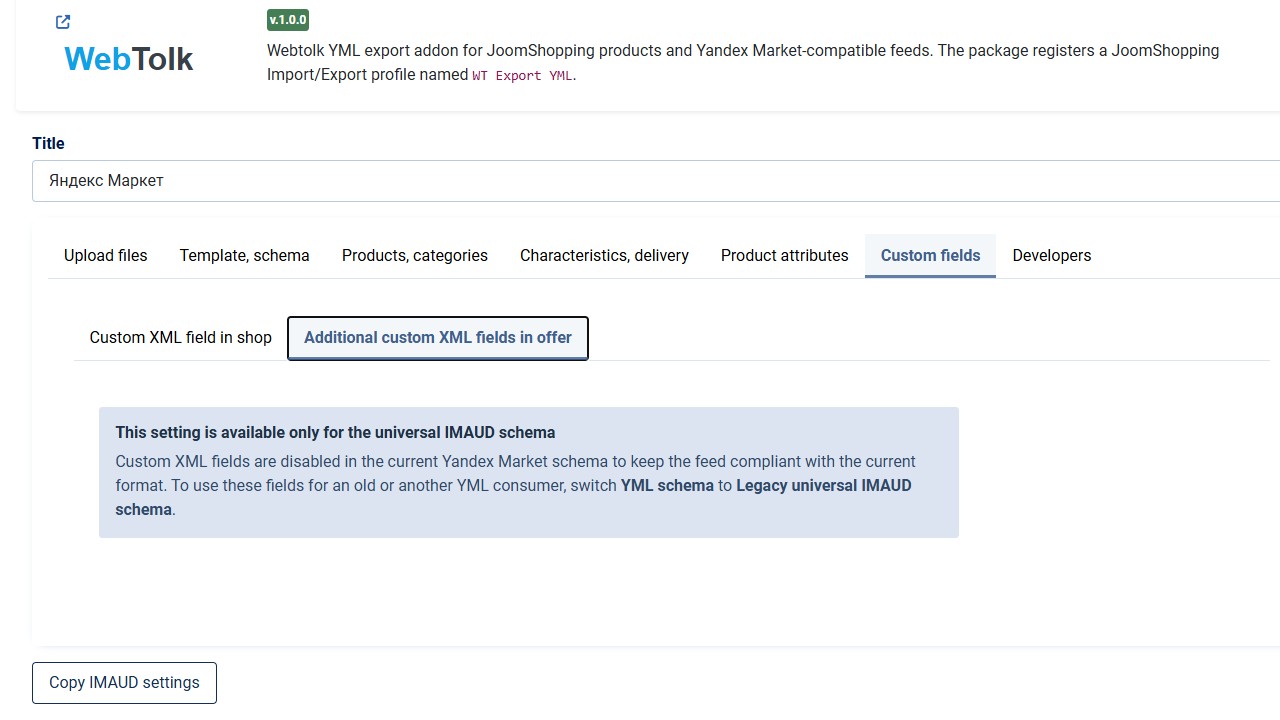
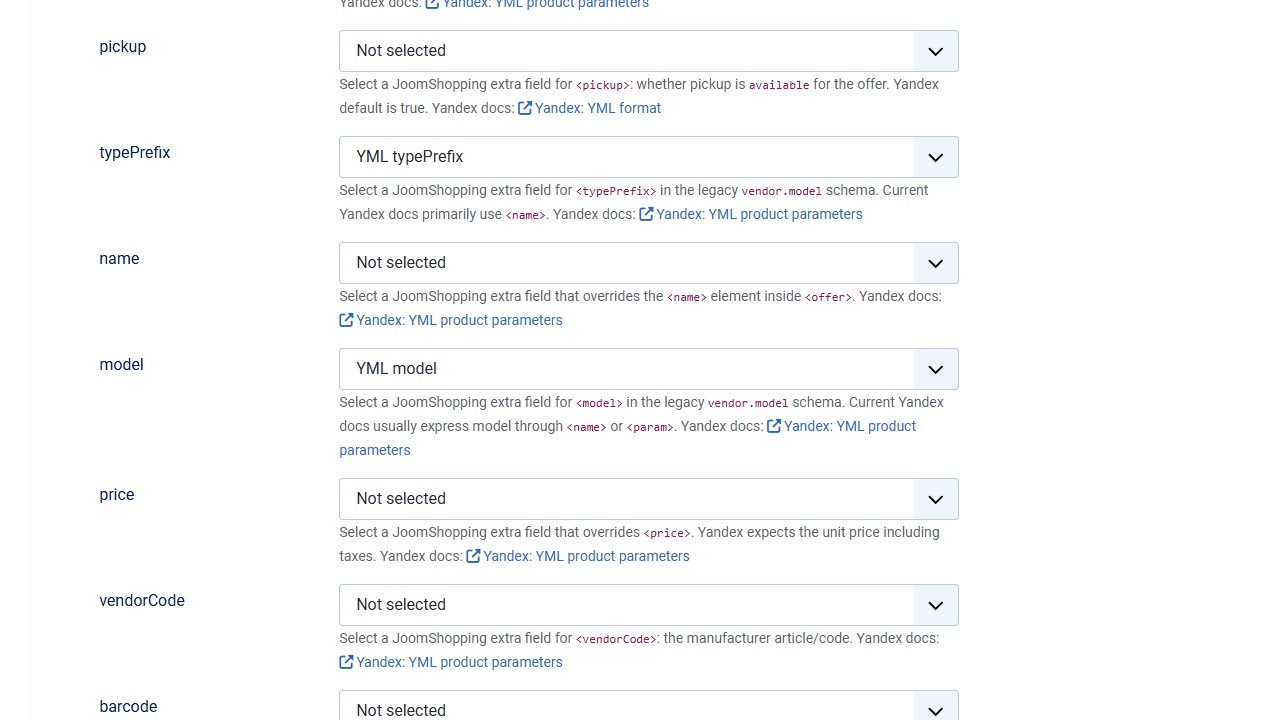
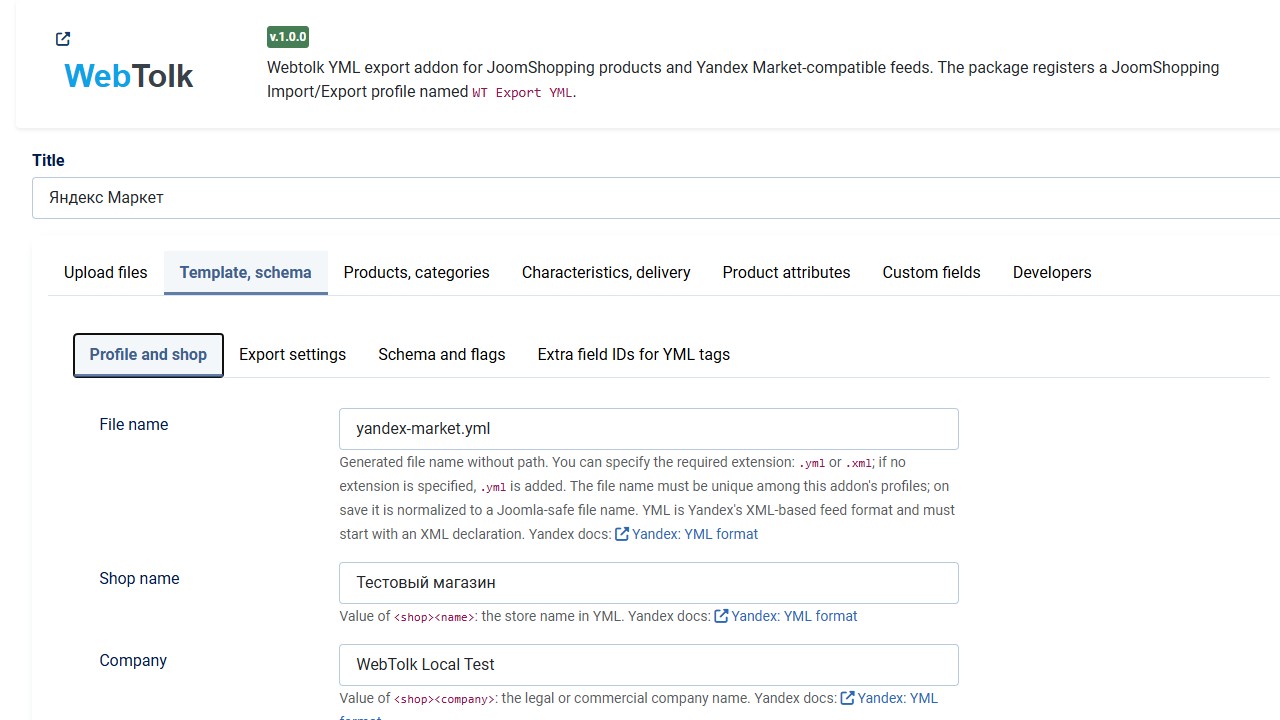
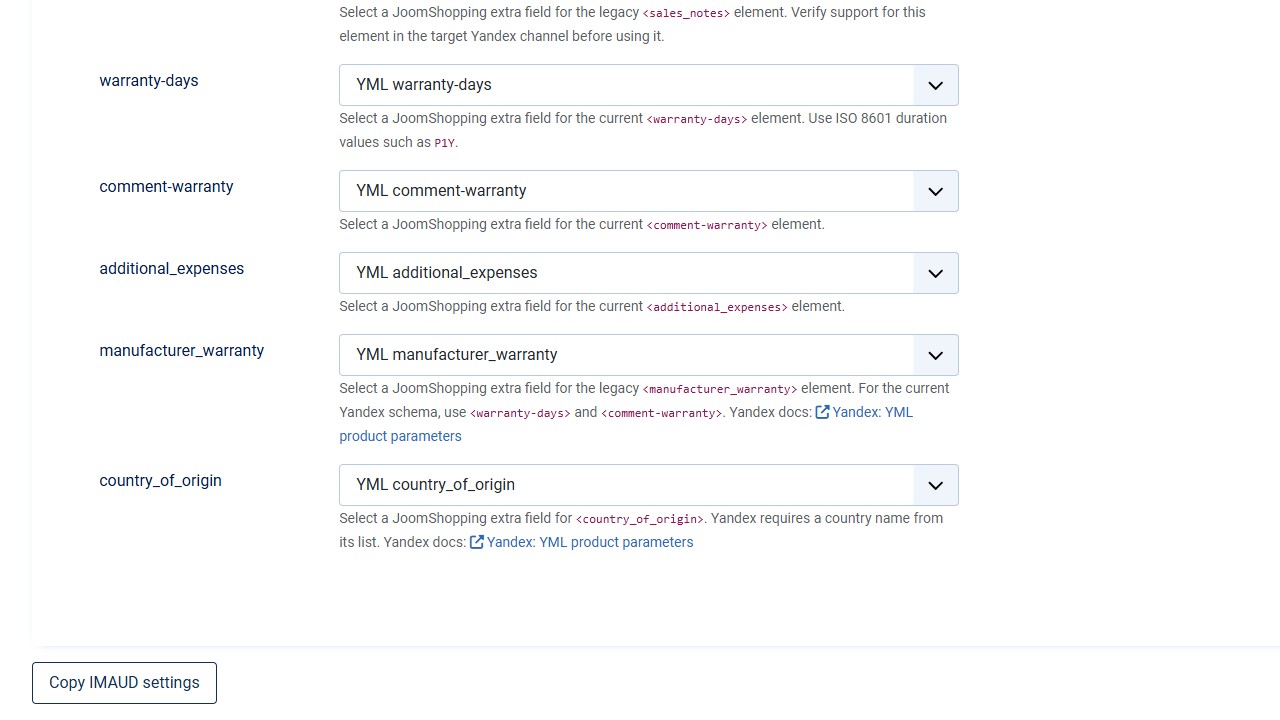
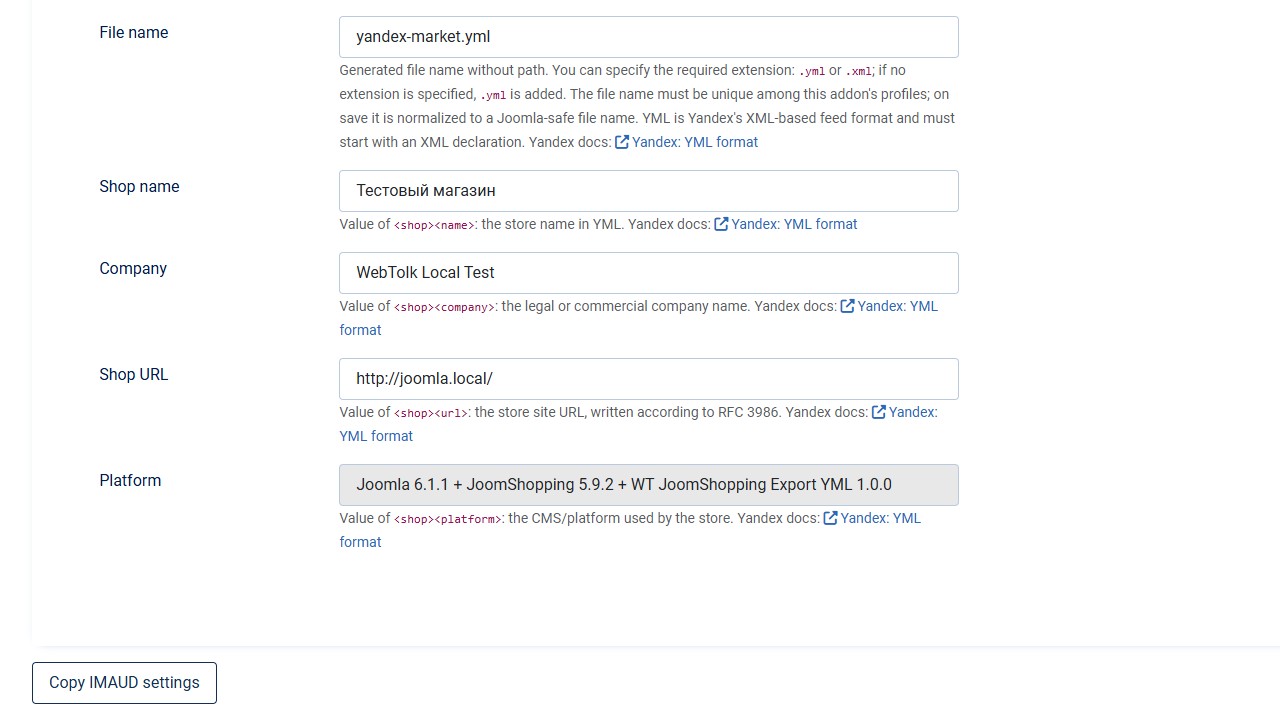
The profile lets you configure the file name, product language, currency, YML schema, categories, products, images, descriptions, stock, prices, delivery terms, and additional offer fields.
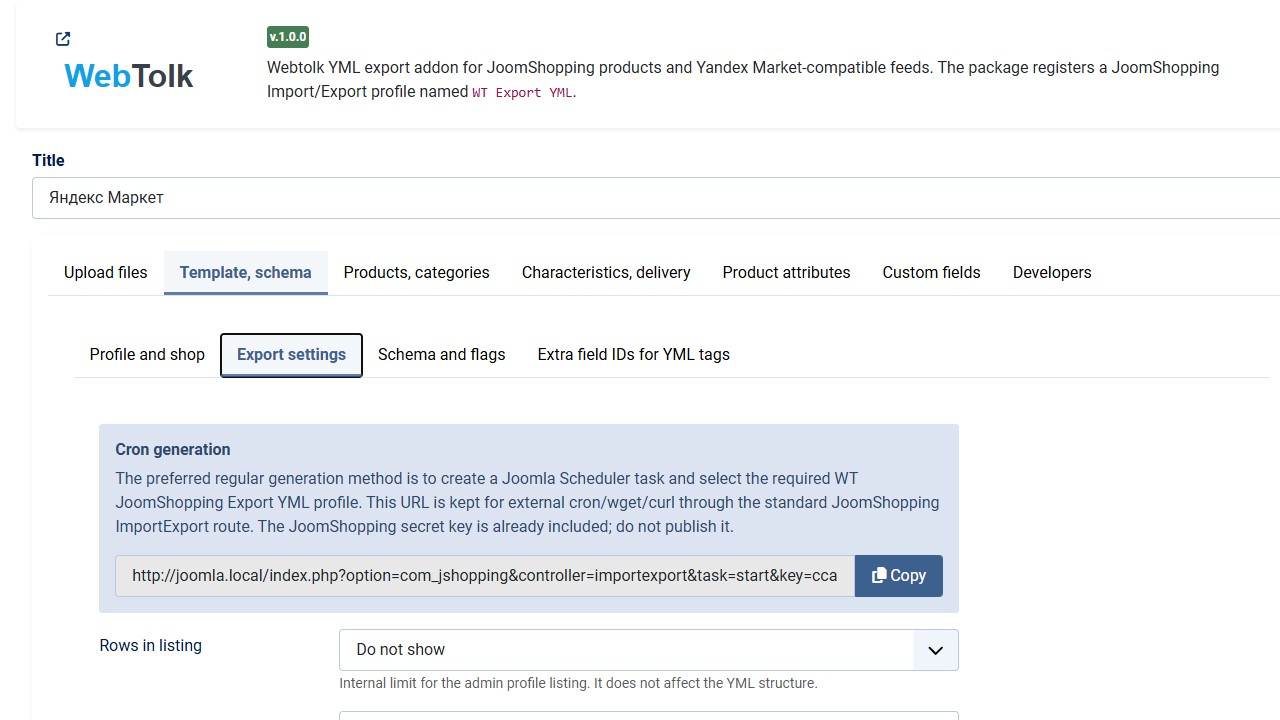
WT Export YML profile.To update the feed automatically, create a Joomla task and select the WT Export YML profile. The task uses the same settings as manual generation from the profile.