Media — WT Image Resize and Convert processes supported images when Joomla Media Manager saves them. It can resize, convert and optionally watermark an image. The processed file replaces the uploaded file; conversion also changes the filename extension.
On Plugin, enable processing and configure the default profile.
Configure Watermark when required.
Save. Media Manager applies the matching folder profile, or the default profile when no rule matches.
Inline Help. Joomla’s “Toggle Inline Help” button displays each field explanation under its control. The screenshots in this package have Inline Help enabled.
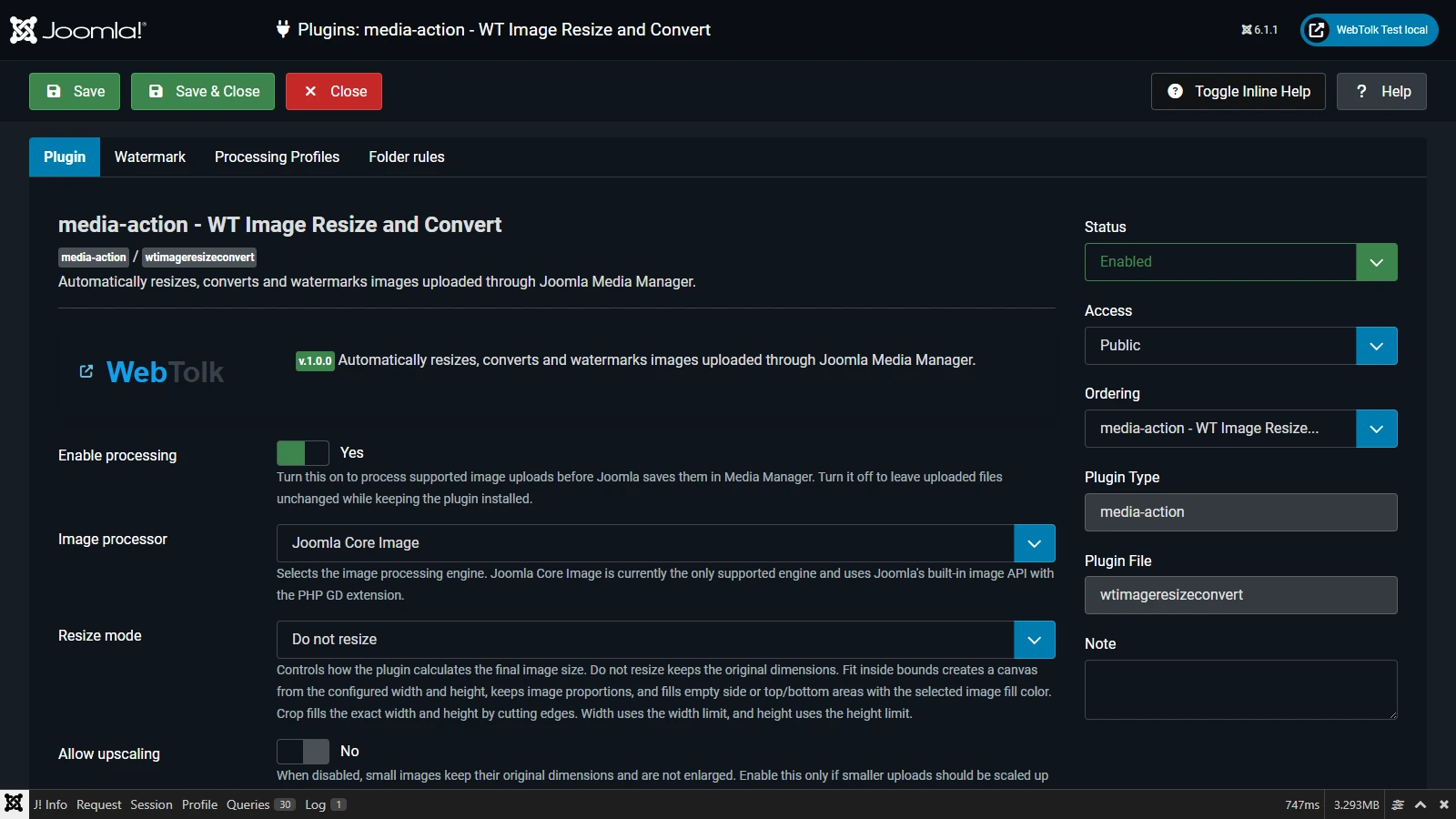
Plugin tab: default processing profile
Enable processing
Master switch. When disabled, the plugin stays installed but leaves uploads unchanged.
Image processor
Joomla Core Image, Joomla’s built-in image API backed by PHP GD.
Resize mode
Do not resize preserves dimensions; Fit inside bounds creates the configured canvas while preserving proportions; Crop fills an exact size; Match width and Match height use one limit.
Maximum width / height
Pixel limits. Use zero to ignore that limit.
Image fill colour
Canvas background for Fit inside bounds only.
Allow upscaling
Enlarges smaller images; normally leave it off to avoid quality loss.
Output format
Keep original, or convert to JPG, PNG, GIF, WEBP or AVIF when supported by server GD.
Quality / PNG compression
Quality affects JPG, WEBP and AVIF. PNG compression is lossless, ranges from 0 to 9, and may take more CPU at higher values.
Strict mode
Make upload saving fail on a processing error; otherwise Joomla keeps saving the original upload.
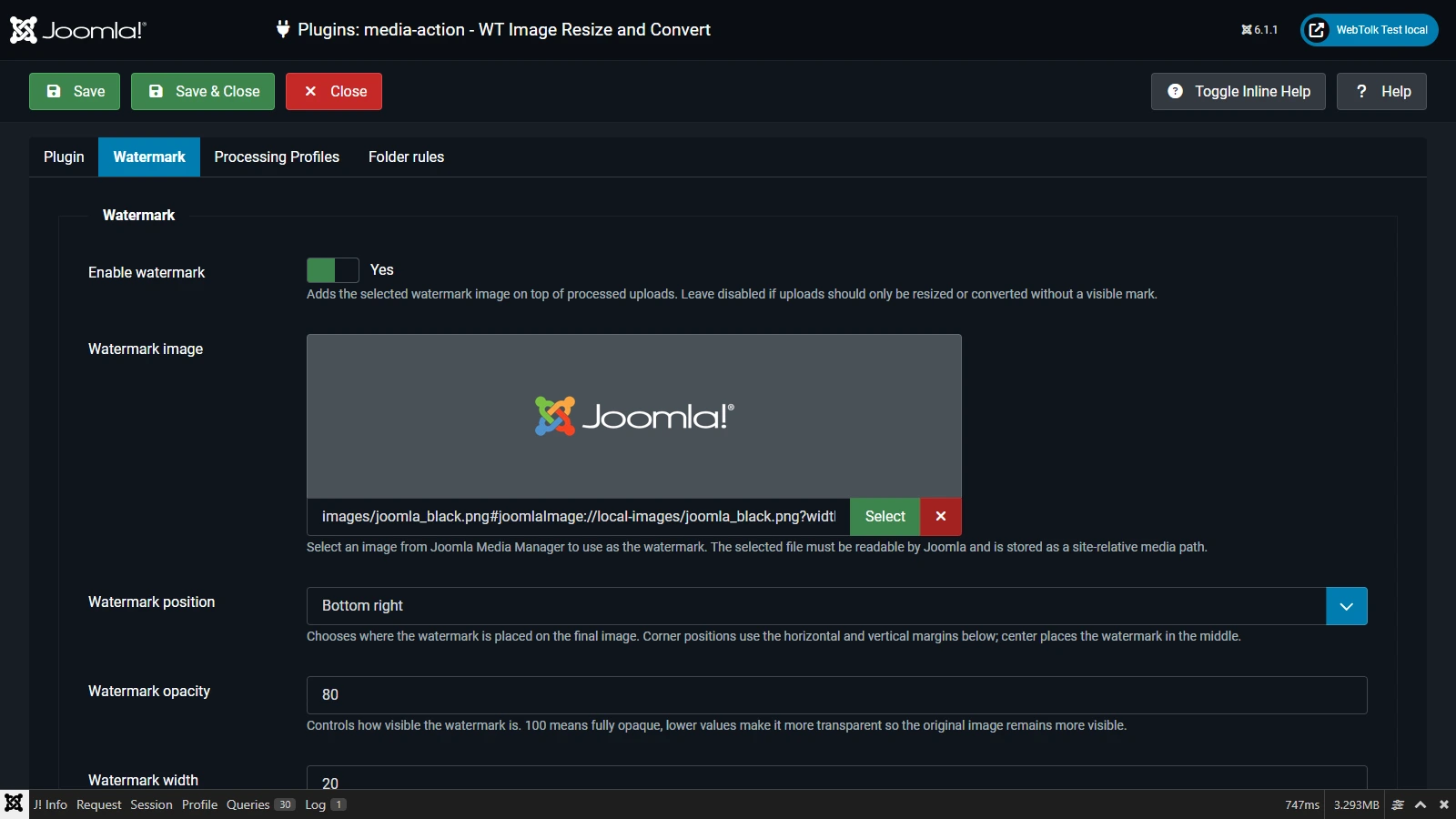
Watermark tab
Enable watermark
Places the selected image over the processed upload.
Watermark image
Choose a readable Media Manager image.
Position
A corner or centre; margins do not affect the centre position.
Opacity
1–100; 100 is opaque.
Watermark width
Percentage of the resulting image width.
Horizontal / vertical margin
Pixel distance from the edge for corner positions.
Processing Profiles and Folder rules
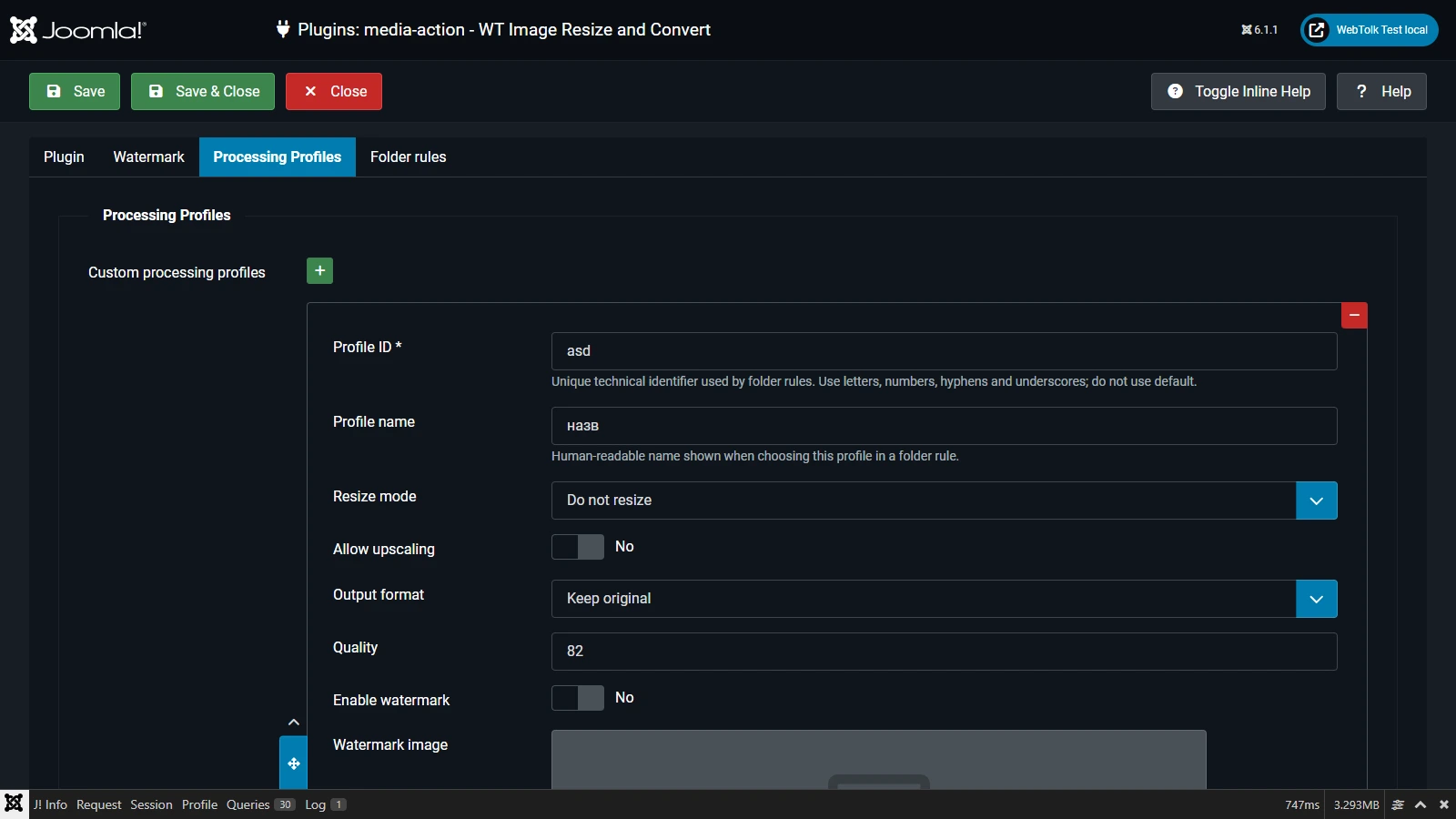
A Processing Profile is a named set of resize, output and watermark options. Its ID is required; use letters, numbers, hyphens and underscores, and never use default. Its title is the readable label shown in rules.
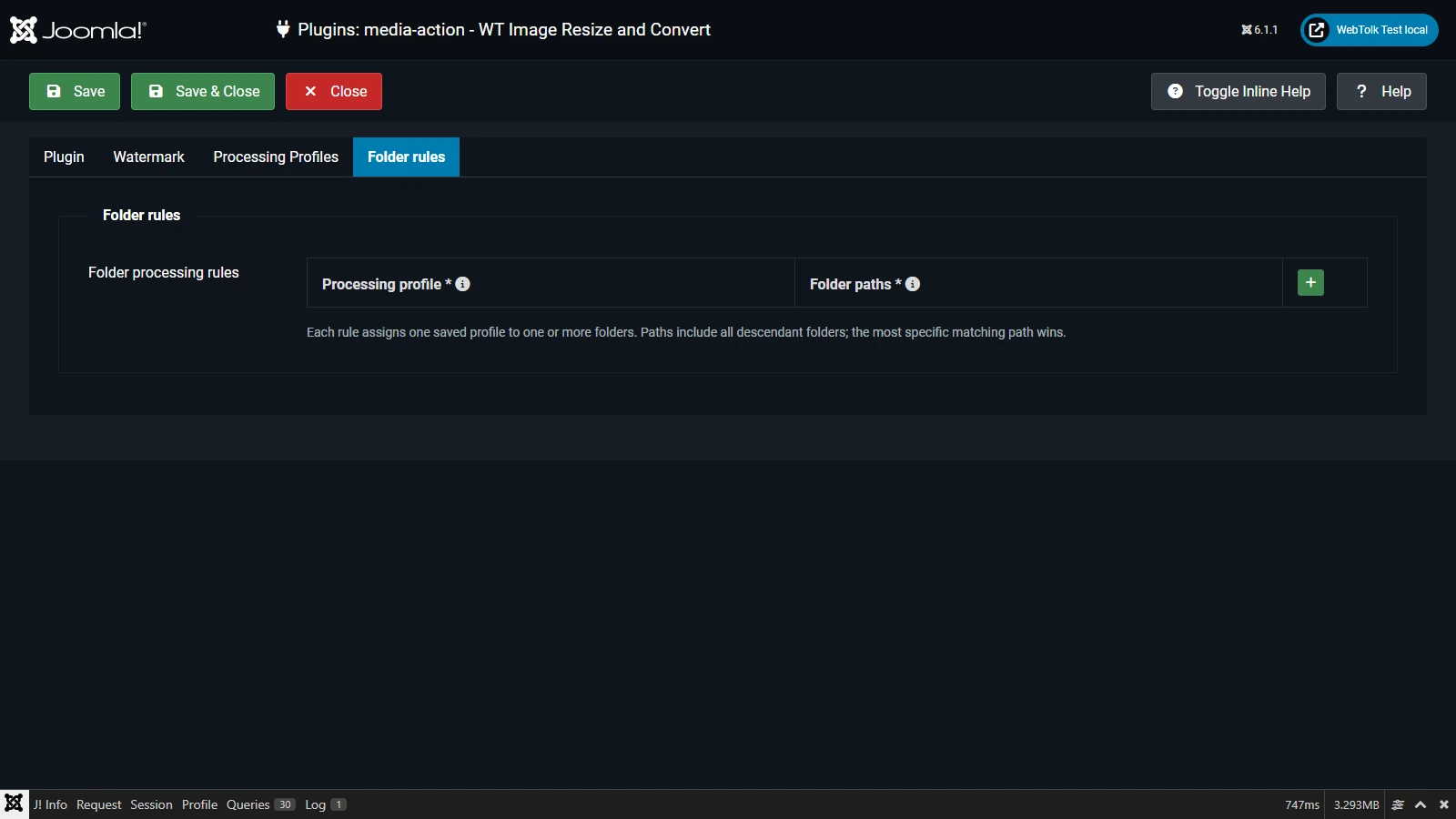
A Folder rule connects one profile with one or more folders. Select the profile and enter one site-root-relative Media folder per line, such as images/products.
A rule applies to that folder and every descendant.
When multiple rules match, the longest, most specific path wins.
images/products matches images/products/shirts, never images/product-shots.
When no rule matches, the default profile is used.
User scenarios
One WEBP policy
Enable processing, select WEBP, quality 80–85 and Fit inside bounds, then disable upscaling.
Product photography
Create a product profile with Crop, fixed dimensions, WEBP/JPG and a watermark; assign it to images/products.
Different site sections
Keep a gentle default profile and add dedicated profiles for banners, catalogues and social images.
Verification and limits
After saving settings, upload a disposable test image through Media Manager and check its dimensions, format and watermark. Support for AVIF, WEBP, GIF and other formats depends on the server’s PHP GD capabilities.