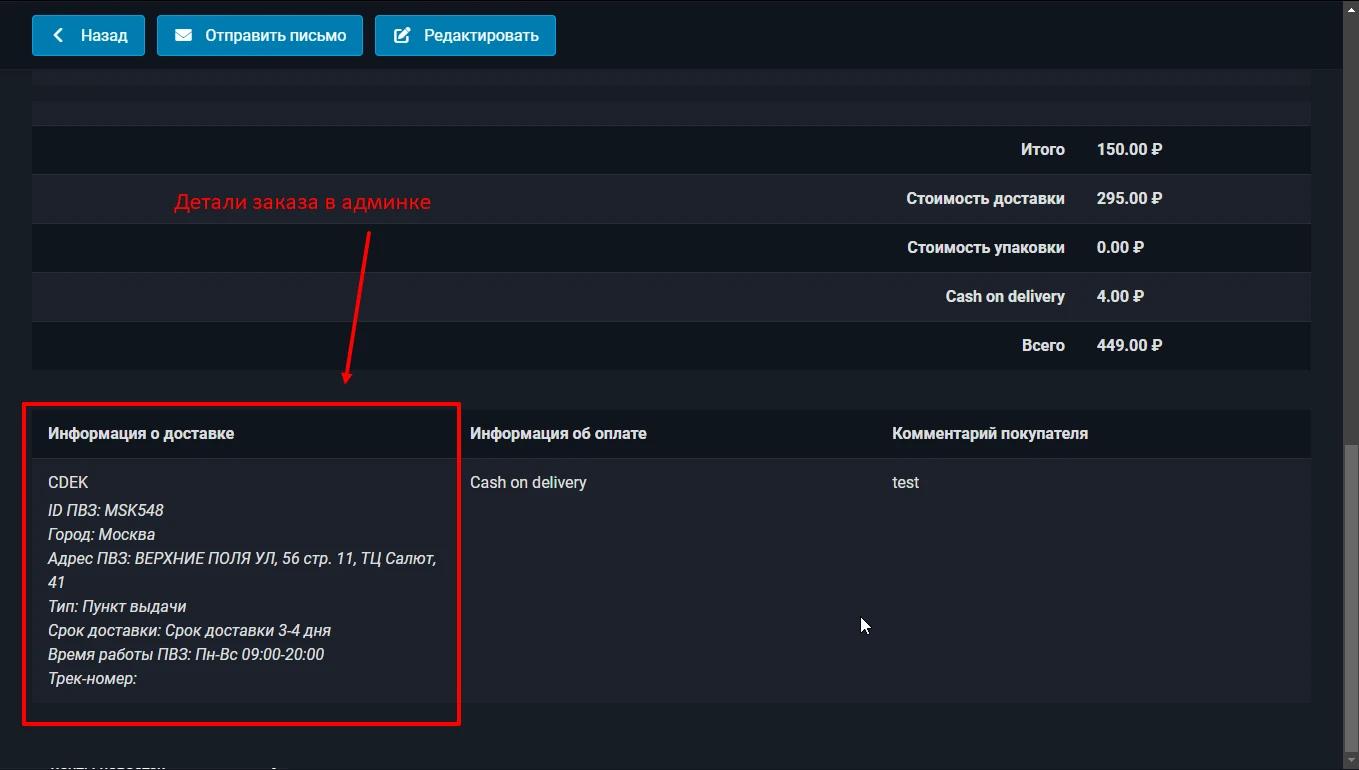
The delivery method for the JoomShopping online store. Works with the SDK v API.2. Calculates the cost of delivery, allows you to select the CDEK order pick-up point on the map, displays full information about the pick up point in the order. For the addon to work, you need to install and configure the WT CDEK library
Features of the CDEK delivery calculation addon for Joomla JoomShopping:
working with CDEK API v.2.0
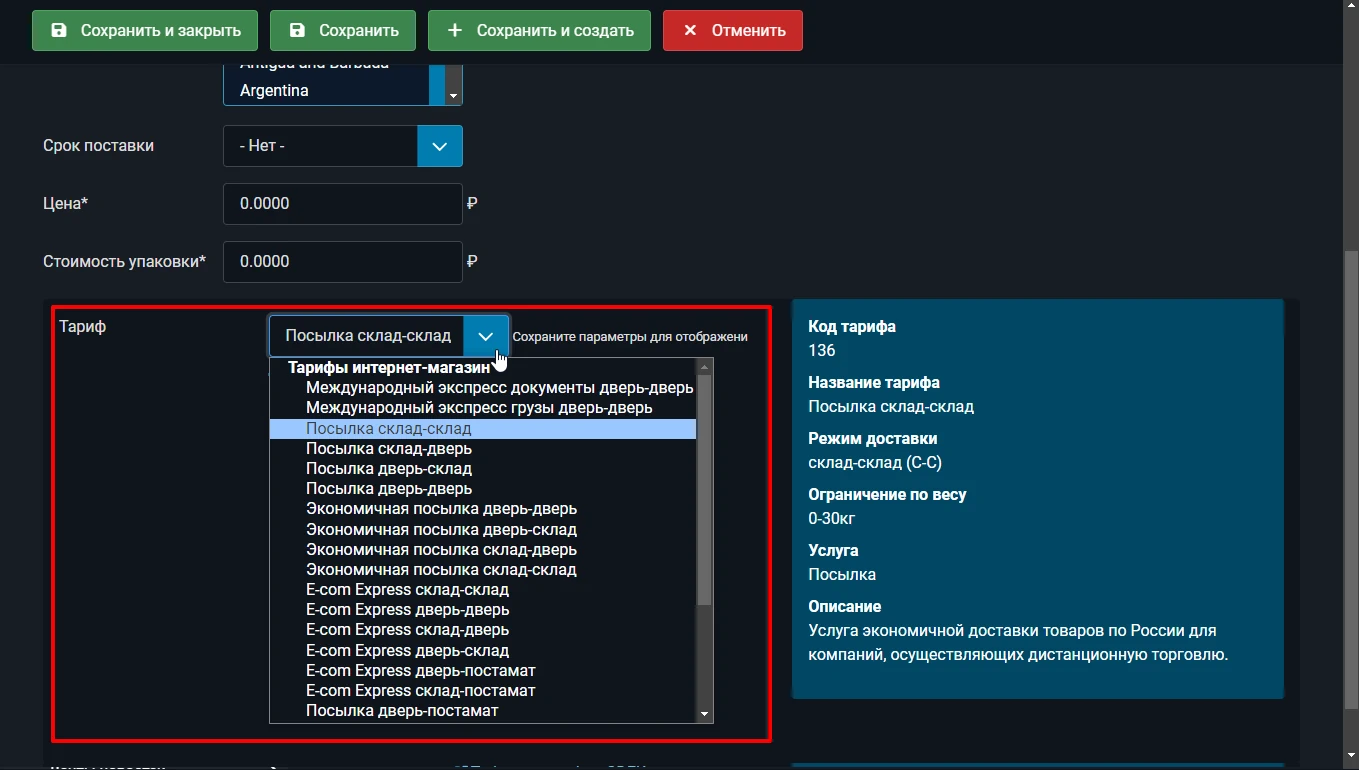
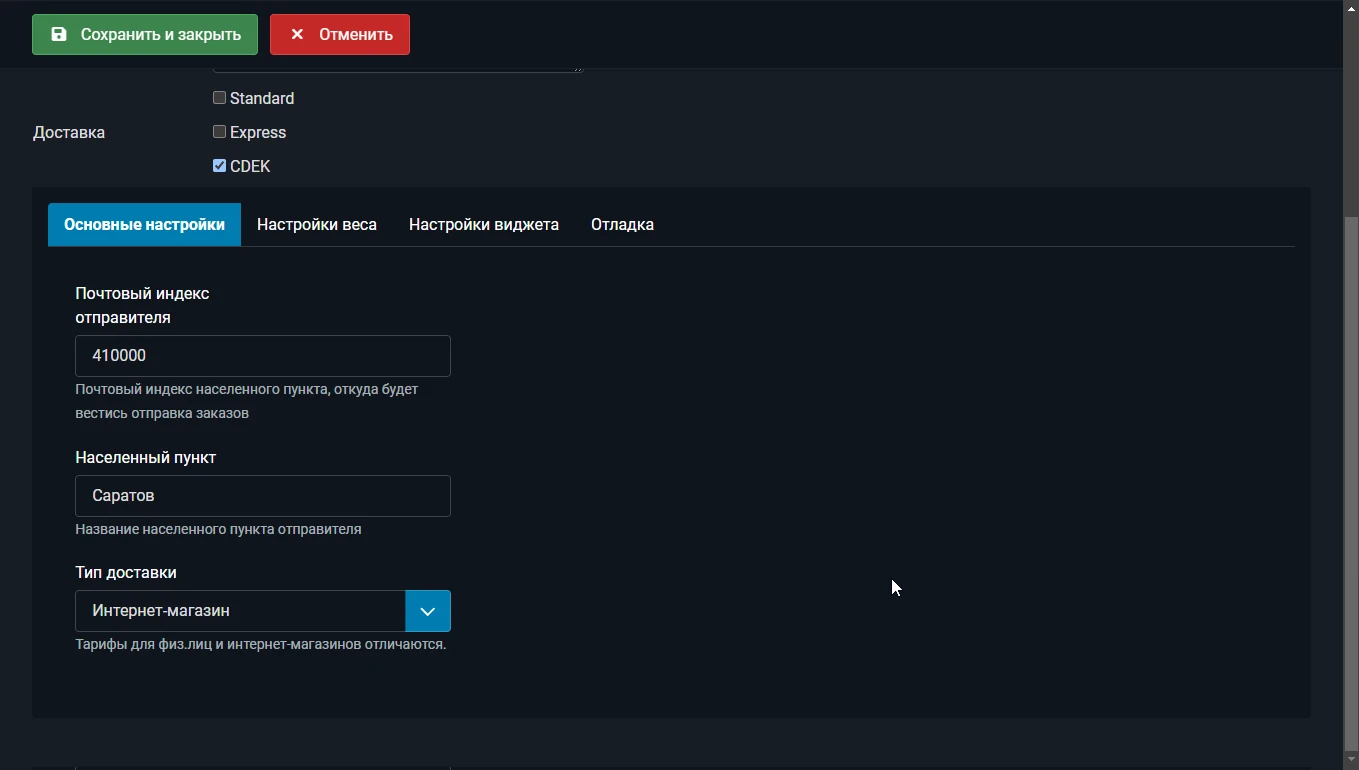
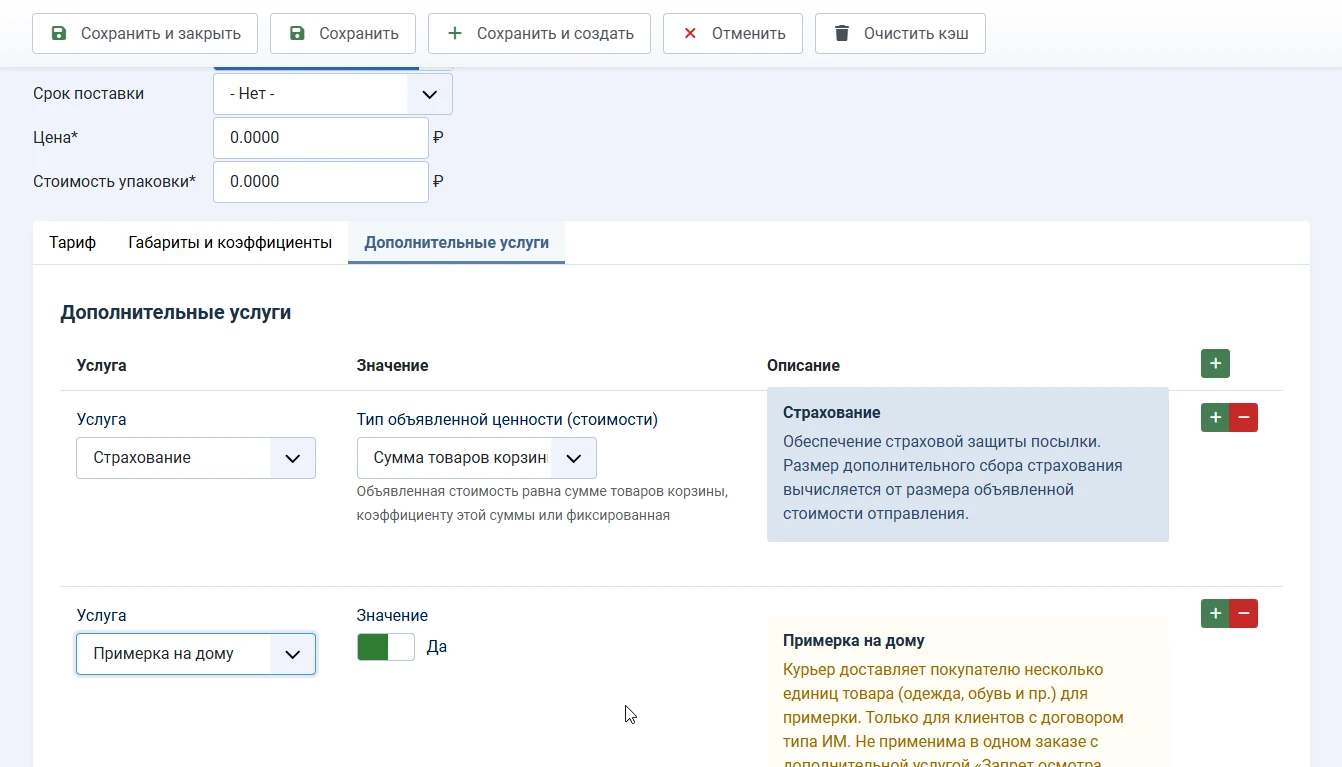
calculating the cost based on current tariffs for individuals (delivery) and online store (some tariffs require a legal entity)
Displaying delivery timeframes
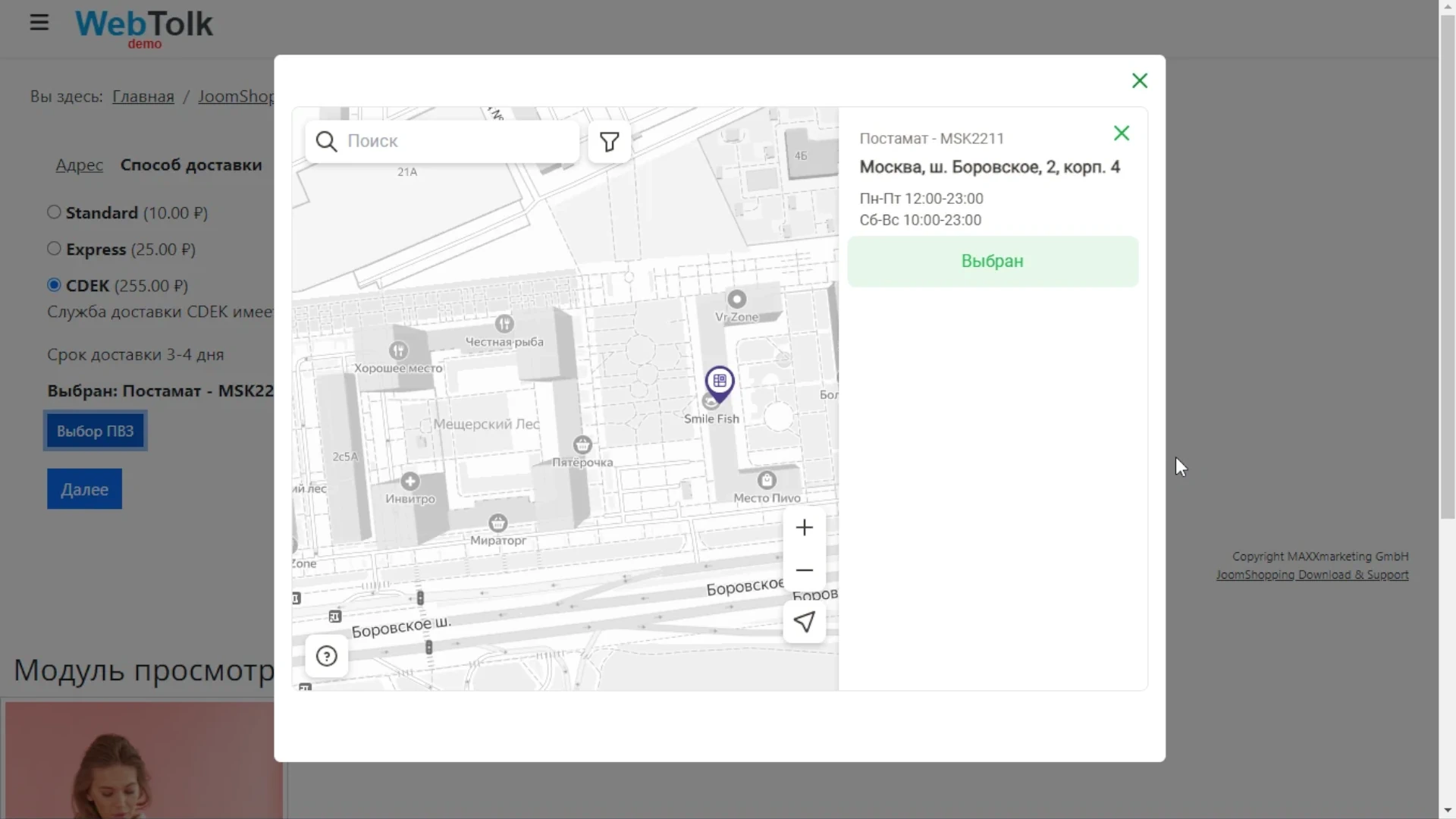
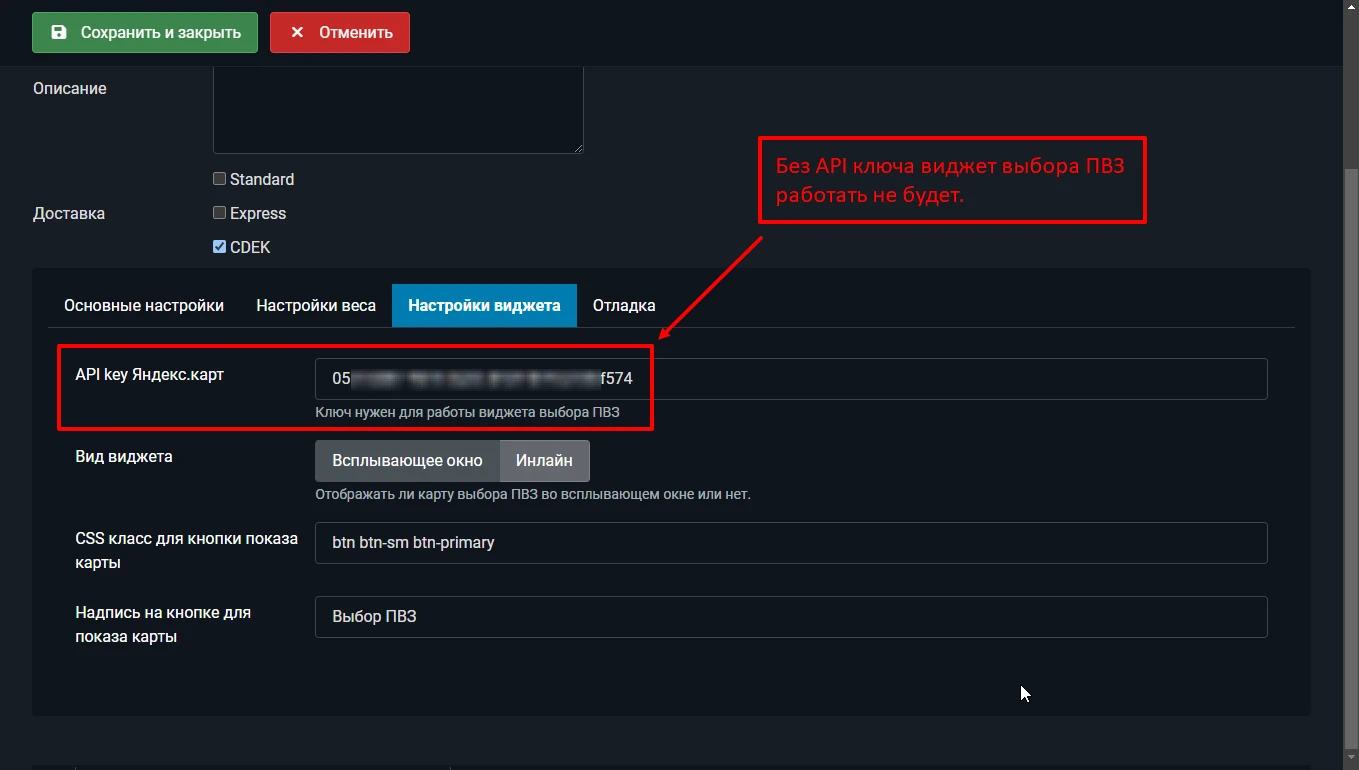
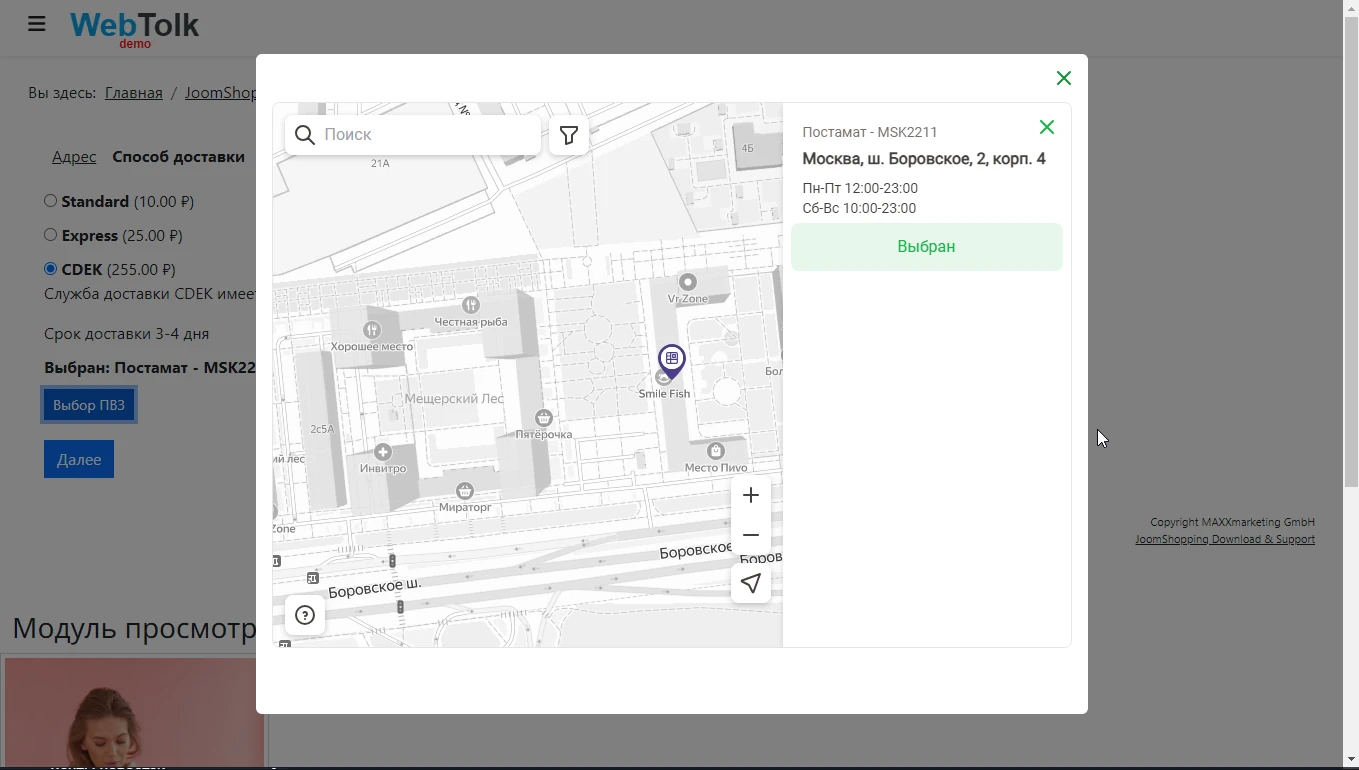
Displaying a widget with a map to select a pickup point or parcel locker (a Yandex.Maps API key is required)
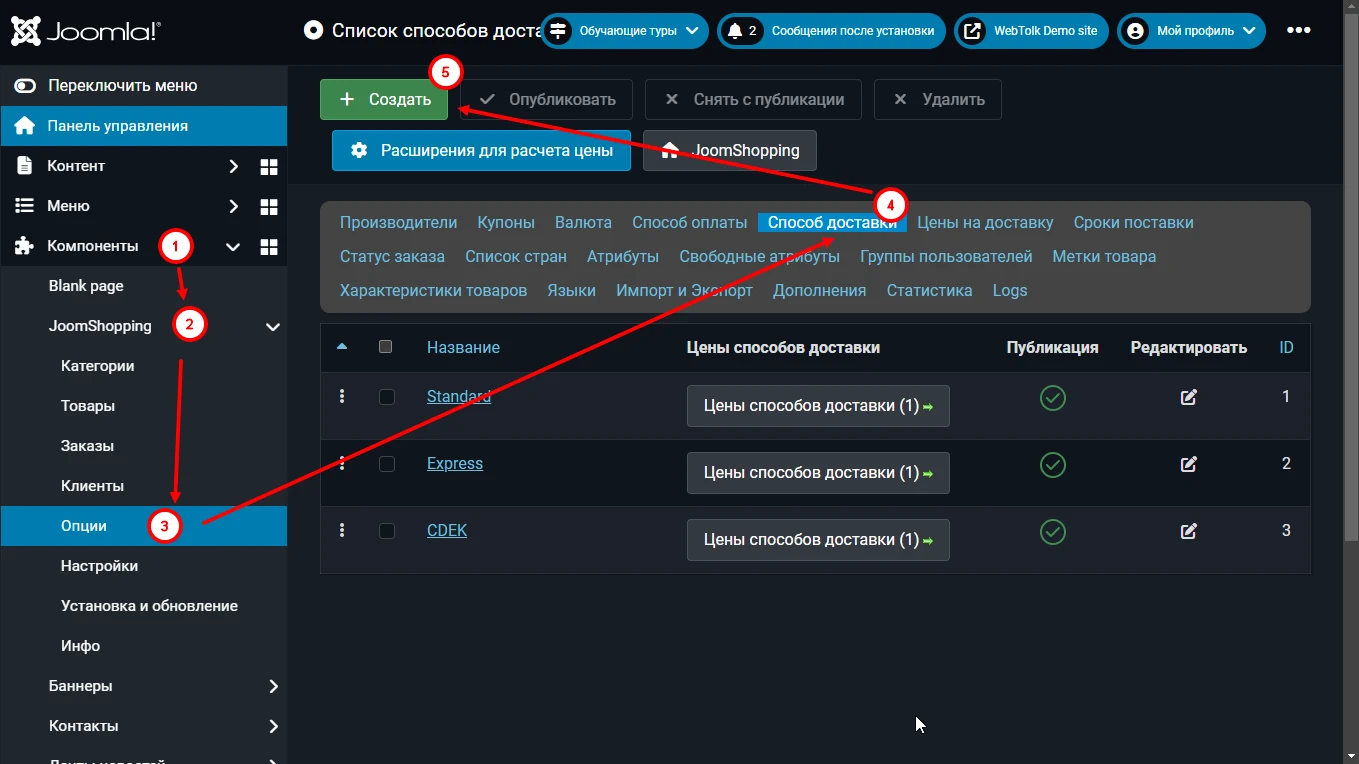
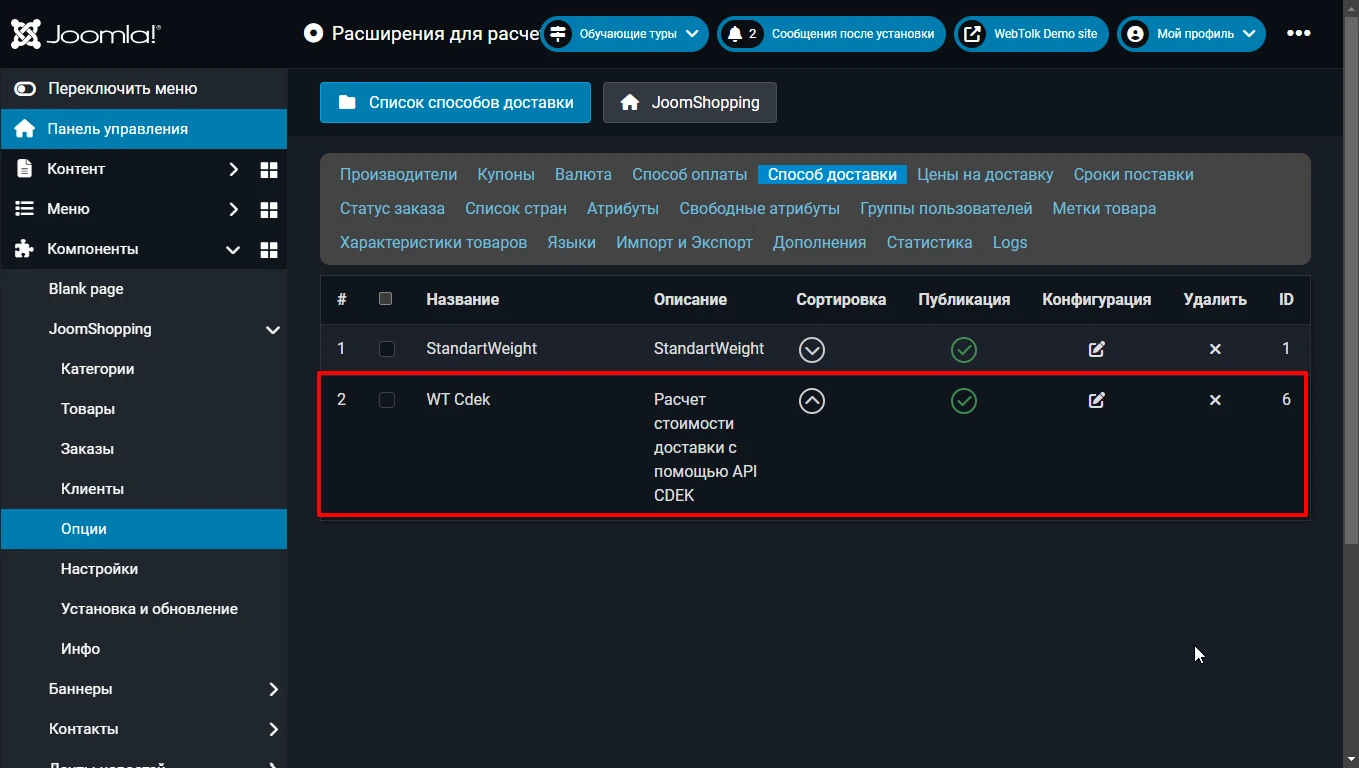
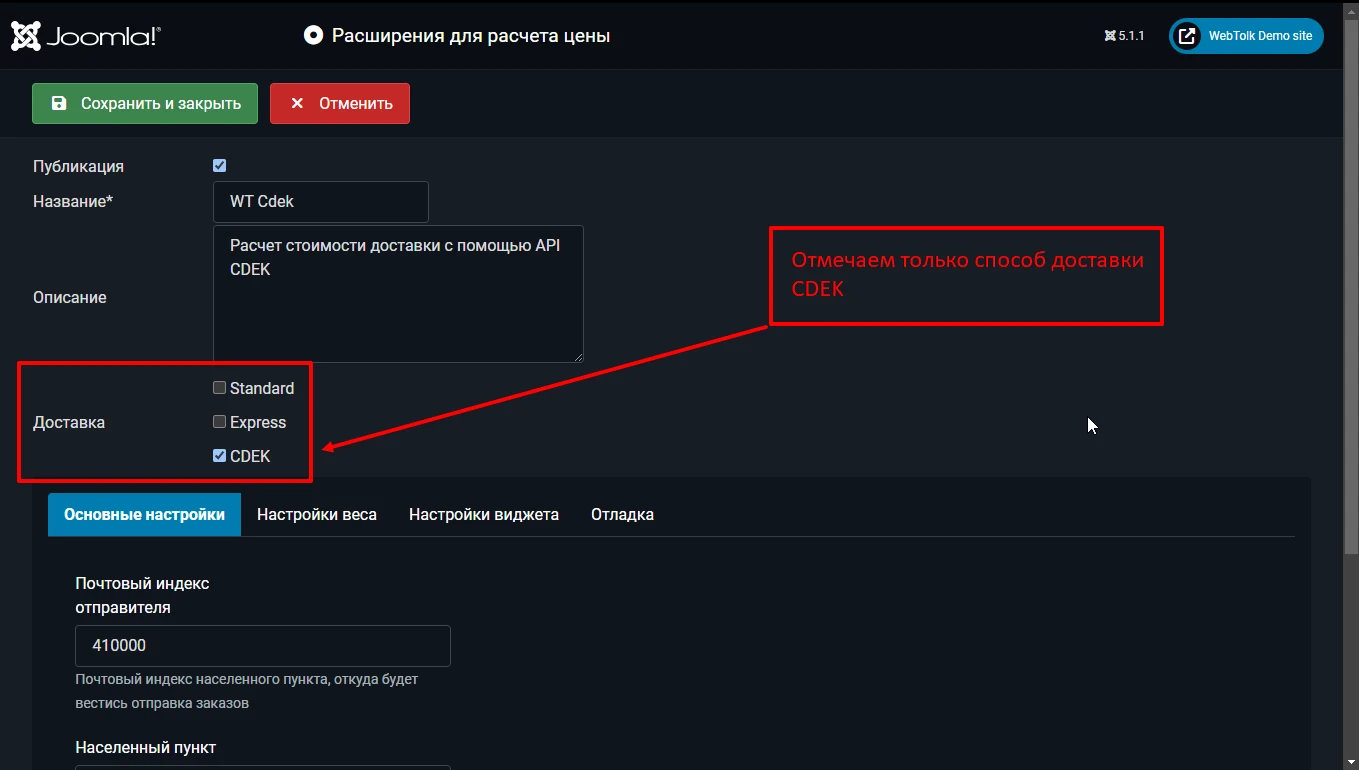
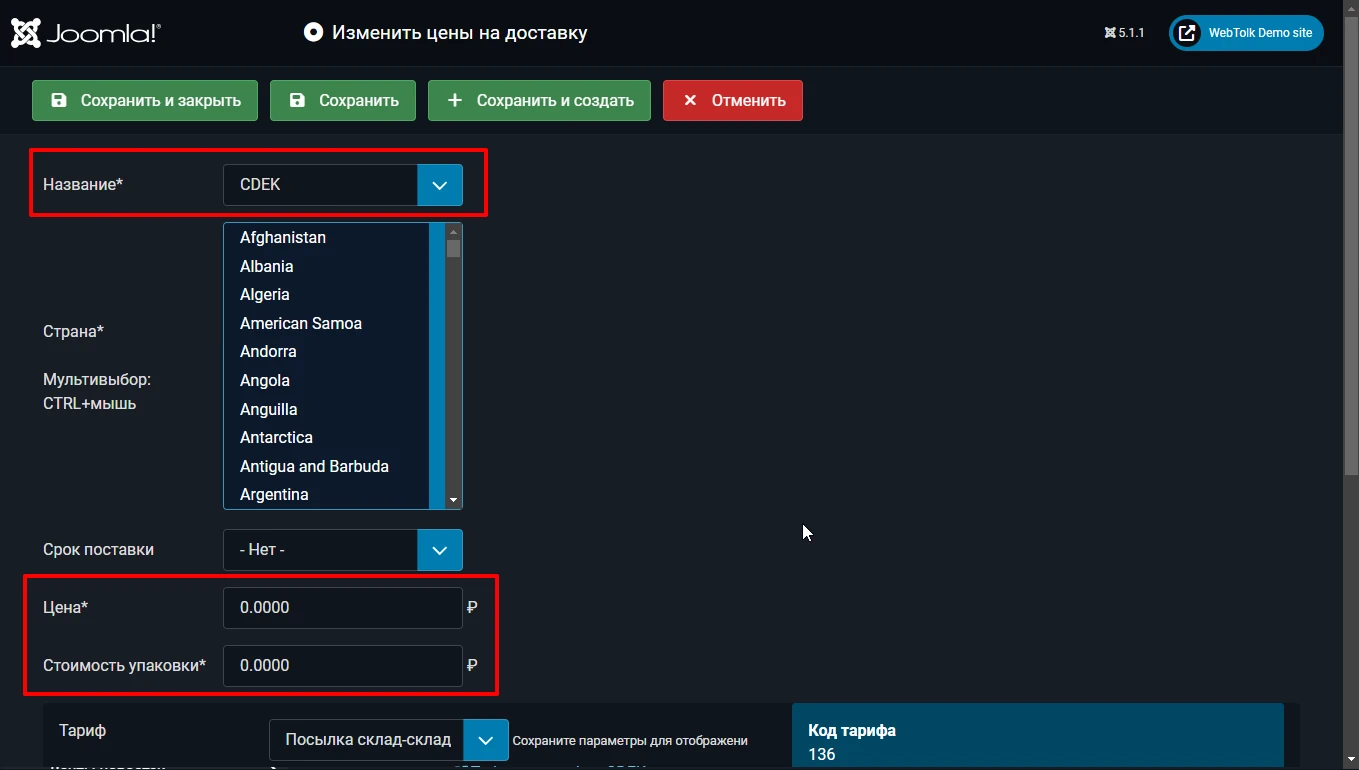
Unlimited number of delivery methods for Joomla JoomShopping using CDEK
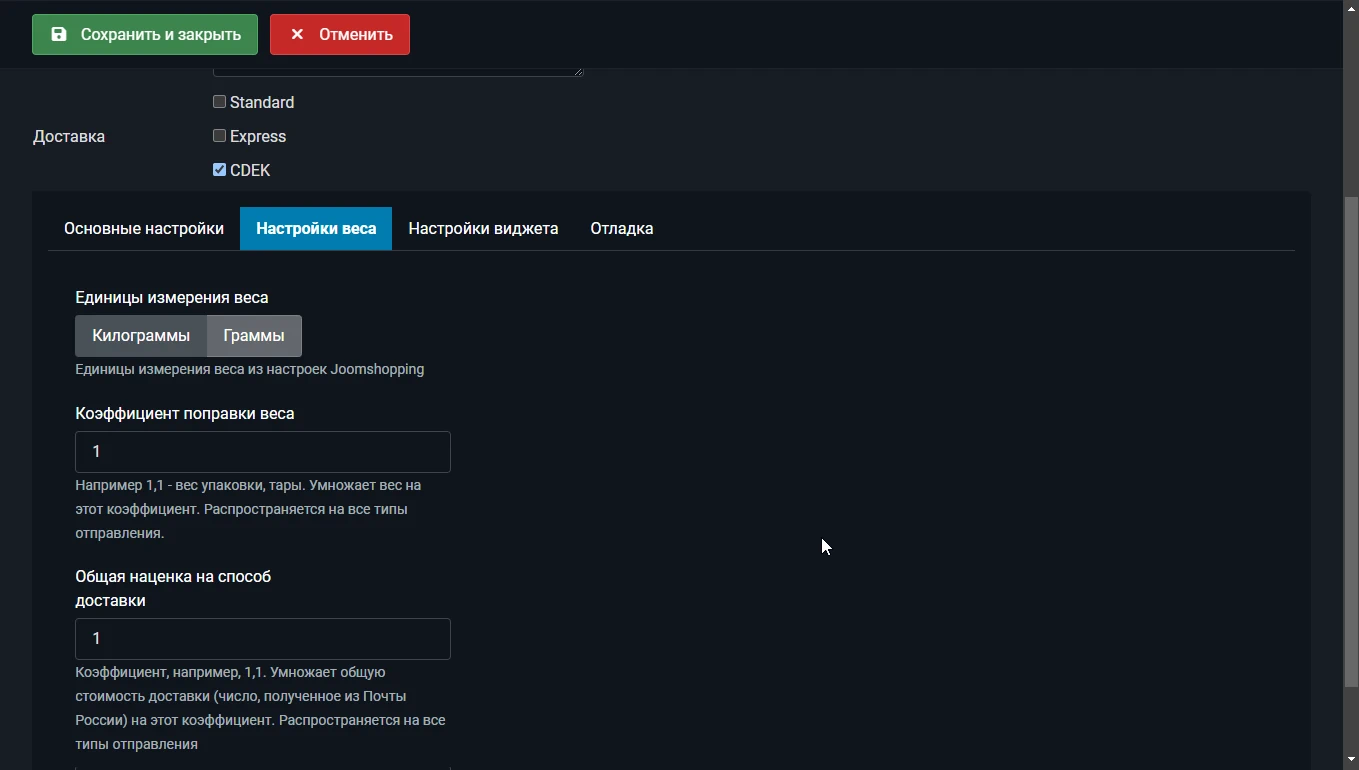
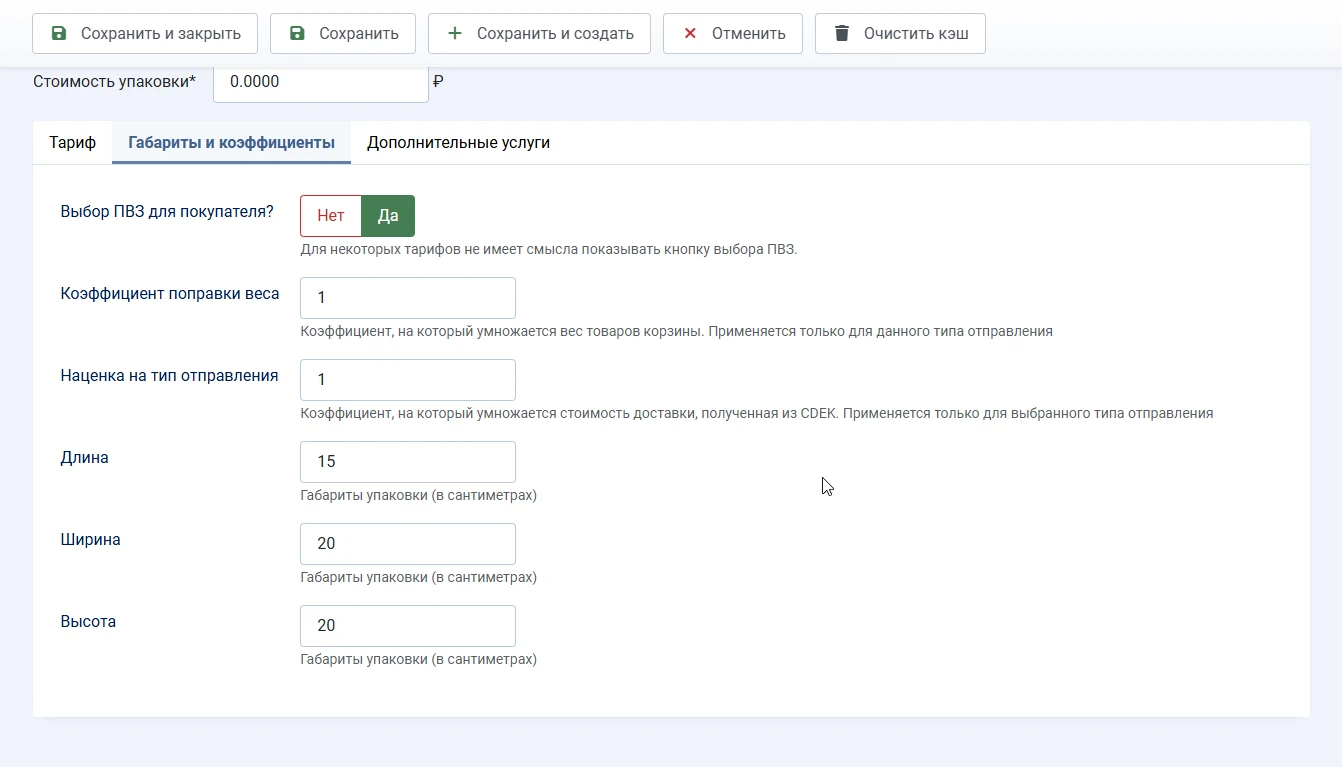
The ability to add a markup to CDEK delivery methods
The ability to specify a weight correction factor. This factor takes into account the weight of the packaging.
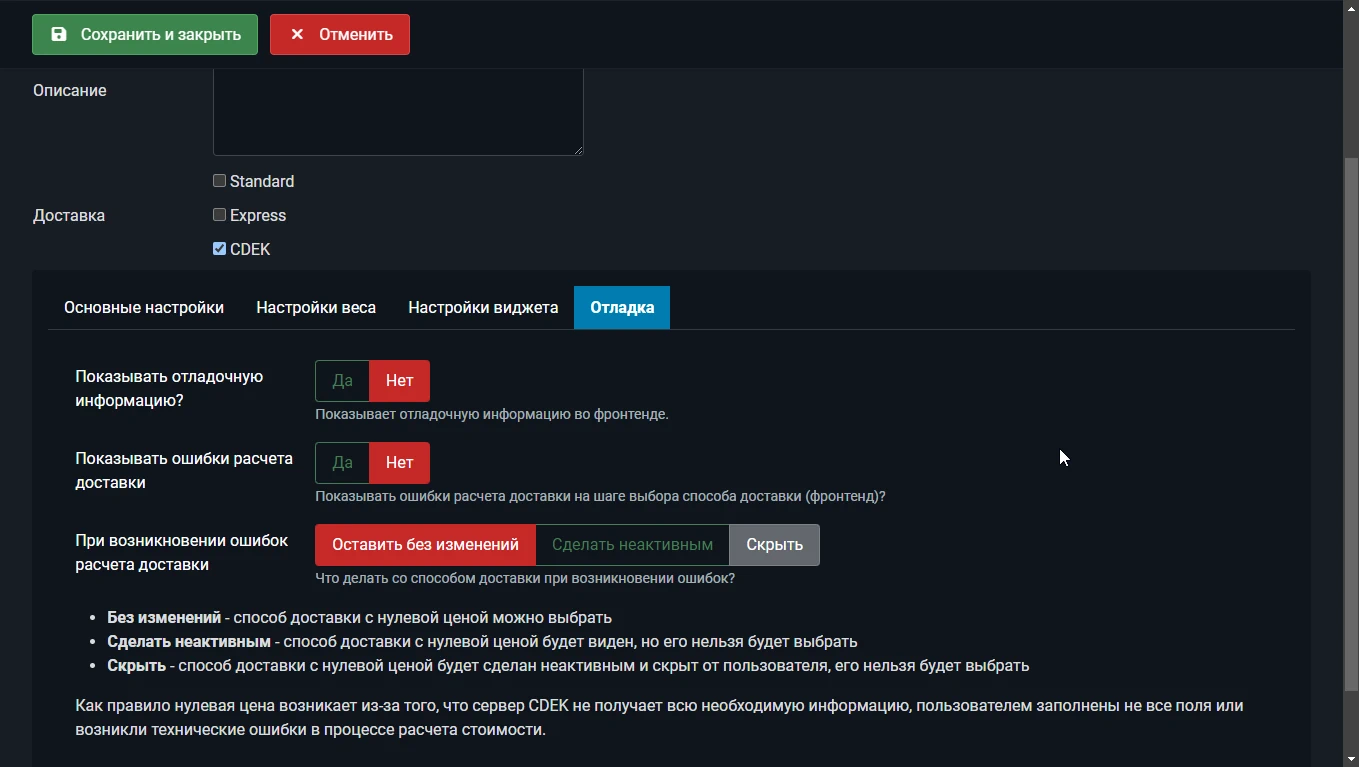
Display of debugging information at the stage of calculating the delivery cost.
The ability to disable the display of a delivery method or make it inactive in case of errors
Creating an order in CDEK automatically when the order status changes (for example, “paid” or “collected at the warehouse”)
Creating or canceling an order in CDEK manually from the order in the admin panel. Viewing the CDEK invoice without leaving the Joomla JoomShopping admin panel.
The order tracking number is added to the order history, to the delivery information in the order, and, depending on the selected statuses, to the customer’s email.
Several options for selecting a pickup point:
standard CDEK widget (built‑in map, in a modal window)
WebTolk map widget (built‑in, in Bootstrap / UIKit modal windows)
pickup point drop‑down list
hybrid layouts: drop‑down list + “select on the map” button
You can disable the display of delivery timeframes everywhere (when placing an order, in emails, and in the order details)
For developers — the ability to create their own map widget layouts using Joomla overrides
The minimum version of Joomla is 4.2.7. The minimum version of JoomShopping is 5+
Demonstration
You can independently check the work on demo site. This version of the demo site is based on Joomla 5. In the process of filling.
v.1.6.0.
v.1.3.4.
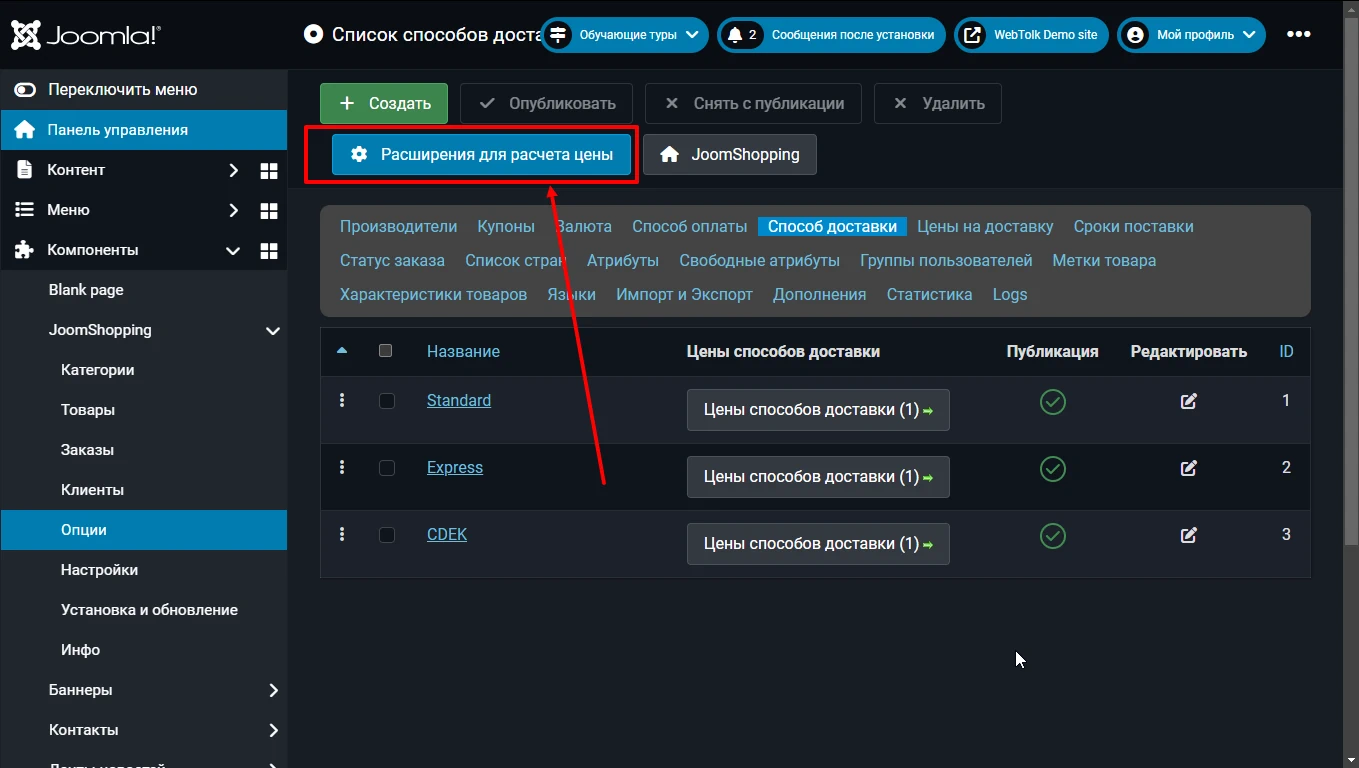
Installing and configuring the CDEK delivery addon for JoomShopping
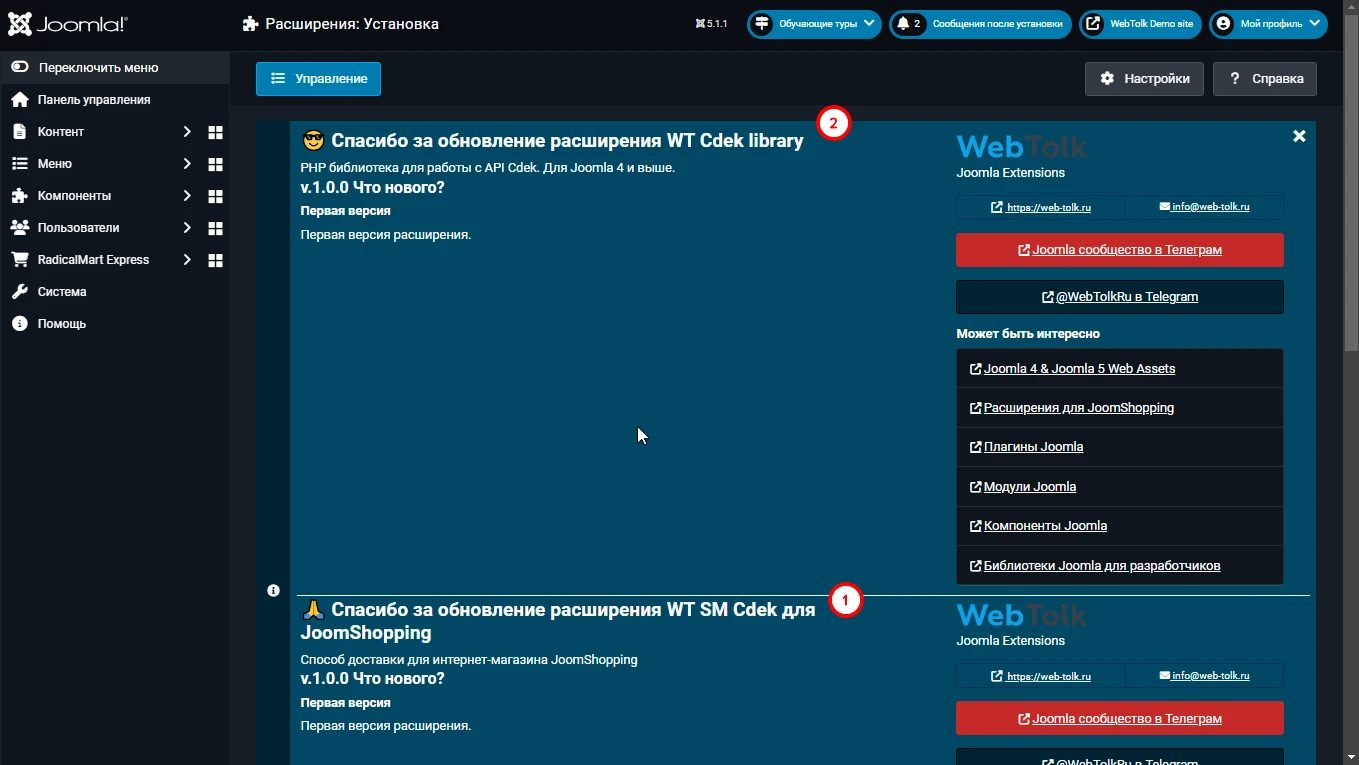
The addon is installed as a Joomla extension (not JoomShopping): System - Install - Extensions. For more information, see the documentation.
The addon requires the WT CDEK library library, which is automatically installed with the addon, but is a separate extension and receives separate free updates.
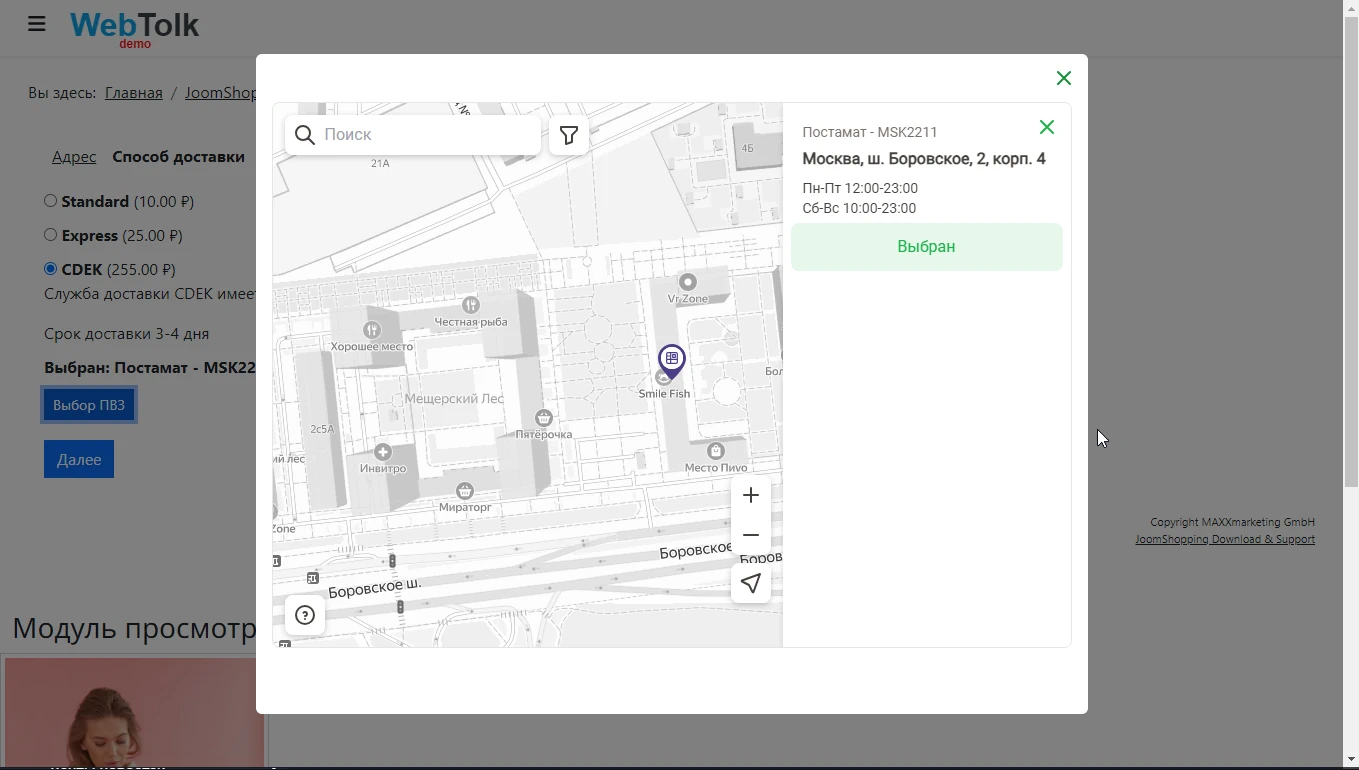
Map widget for selecting the CDEK pick-up point in JoomShopping
The widget allows you to select the CDEK or postamat pick-up point. The addon does not allow you to proceed to the next step of ordering if the CDEK delivery method is selected, but the PVZ is not selected (the "Next" button becomes inactive).
Choose a pickup point from a dropdown on the checkout page or use the Choose on map button below the list. Bootstrap and UIkit variants are available. The list loads immediately; the selected pickup point stays synchronized across the list, map and shipping details.
Change
Hide delivery times in orders and emails
When Show delivery times? is disabled, delivery times are hidden during checkout and order preview, excluded from new orders and omitted from customer and administrator emails. The empty delivery-time label is also omitted. Pickup address, opening hours and tracking number are preserved.