
WebTolk Joomla Extensions
113 Extensions
12 Categories
584 Versions released
905014 Downloads
WT View PDF embeds PDFs in Joomla content with HTML5 object, Bootstrap or UIkit modals, and the full PDF.js viewer with a preloader.
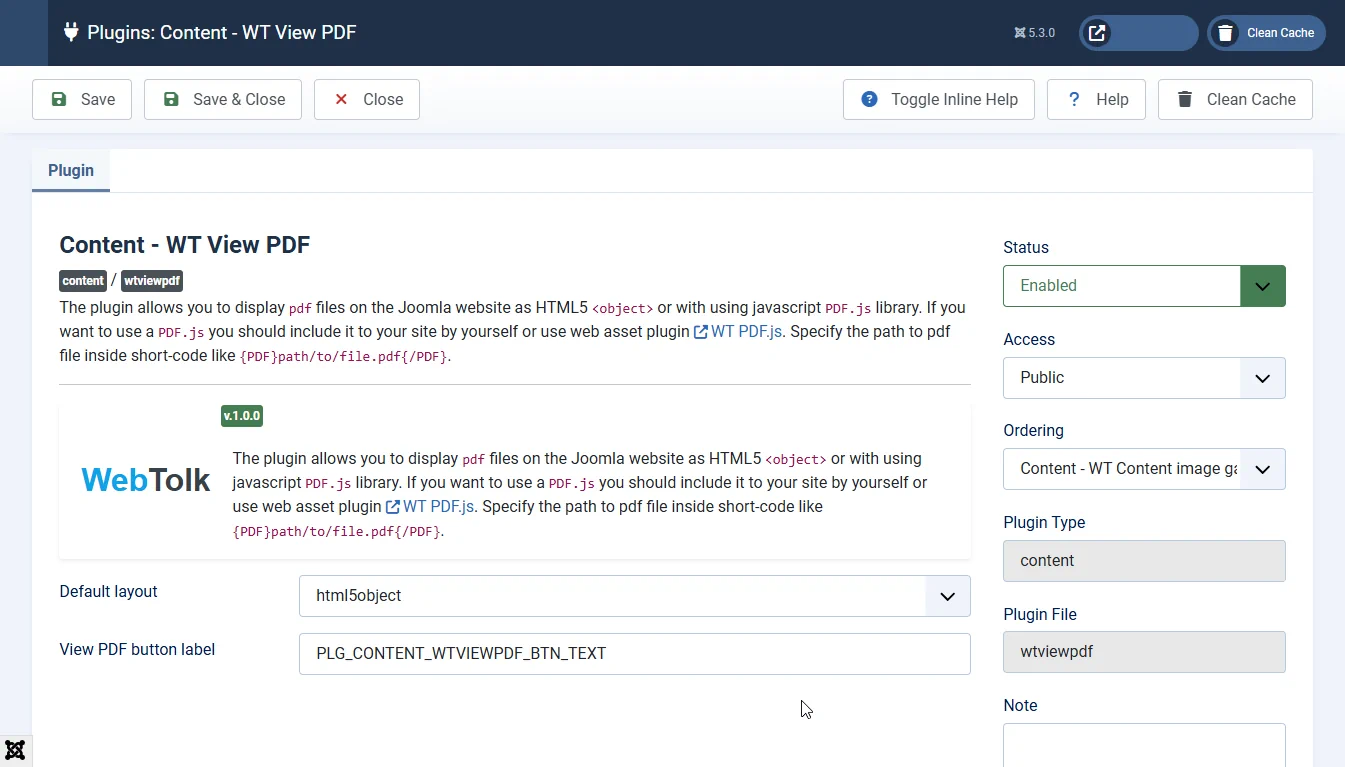
WT View PDF is a free Joomla content plugin for displaying PDF documents on your website. It replaces a shortcode in content with an embedded document or a button that opens a PDF in a modal window. Choose the browser's built-in viewer through the HTML5 <object> element or a viewer based on the PDF.js JavaScript library.
html5object — embeds the browser's native PDF viewer. No separate PDF.js library is required; the available controls depend on the browser.default — renders PDF pages directly in content using PDF.js.bootstrap-modal — a button that opens the document in a Bootstrap 5 modal.uikit-modal — a button and a UIkit 3 modal.bootstrap-pdfjs-preload — the full PDF.js viewer with a preloader styled with Bootstrap 5.uikit-pdfjs-preload — the full PDF.js viewer with a preloader styled with UIkit 3.The preloader layouts display download progress, a page preparation message and a download link. Plugin settings let you choose the viewer height and an optional background image during loading. Loader messages are centred using classes from the selected framework.
images directory.tmpl parameter.{ PDF tmpl=html5object}images/document.pdf{/PDF}The example includes a space after the opening brace so this website can display the code. Remove that space before using it. If tmpl is omitted or its layout file is not found, the plugin uses the layout selected in its settings.
In Joomla components, the shortcode works wherever content plugins process the text. Developers can add their own layout file to plugins/content/wtviewpdf/tmpl and pass its filename without the extension in tmpl.
The installer requires Joomla 5.0 or newer and PHP 8.1 or newer. The requirements of your installed Joomla version must also be met.
For PDF.js layouts, install and enable WT PDF.js. Preloader layouts require a package containing the complete local modern and legacy viewers; loading the library from a CDN alone is insufficient. The older-browser support switch selects the PDF.js build.
Your site template must load Bootstrap 5 or UIkit 3 CSS for the matching layout. Preloader layouts do not require either framework's JavaScript. Modal layouts use the corresponding framework's JavaScript to open the window.
Both preloader layouts support themes, initial zoom and other full-viewer settings through media/plg_system_wtpdfjs-config/default.json. For example:
{
    "viewerCssTheme": 2,
    "defaultZoomValue": "page-width",
    "sidebarViewOnLoad": 0
}
The profile must be a valid JSON object without comments. Its settings apply when the viewer opens; document view history can also affect the initial view. See the WT PDF.js JSON configuration guide. The library layouts default, bootstrap-modal and uikit-modal do not read these profiles.
No. The html5object layout passes the document to the browser's built-in PDF viewer. The other layouts use PDF.js.
The full viewer can load the document on demand. Range requests work when the server supports them. The preloader disappears once a page and its enabled text layer have rendered, so the download percentage may still be below 100%.
The preloader layouts retain a PDF download link when an error occurs, the viewer is unavailable or JavaScript is disabled.